
Admission control & ticket workflow
Custom Event Ticket Printing
Event tickets suit organizers using printed admission credentials. Session details, identifiers and detachable stubs should support the actual check-in workflow.
- Visible access category
- Scan area
- Retained stub
Illustrative product configuration
Product overview
An entry document that is readable at the gate.
An event ticket links a readable admission credential to the organizer’s check-in workflow. Session, entry zone and identifier must remain together in the usable portion. A detachable stub can provide a retained record, but perforation must leave the scanned area intact. Codes and serials are only useful when their data matches the admission system.
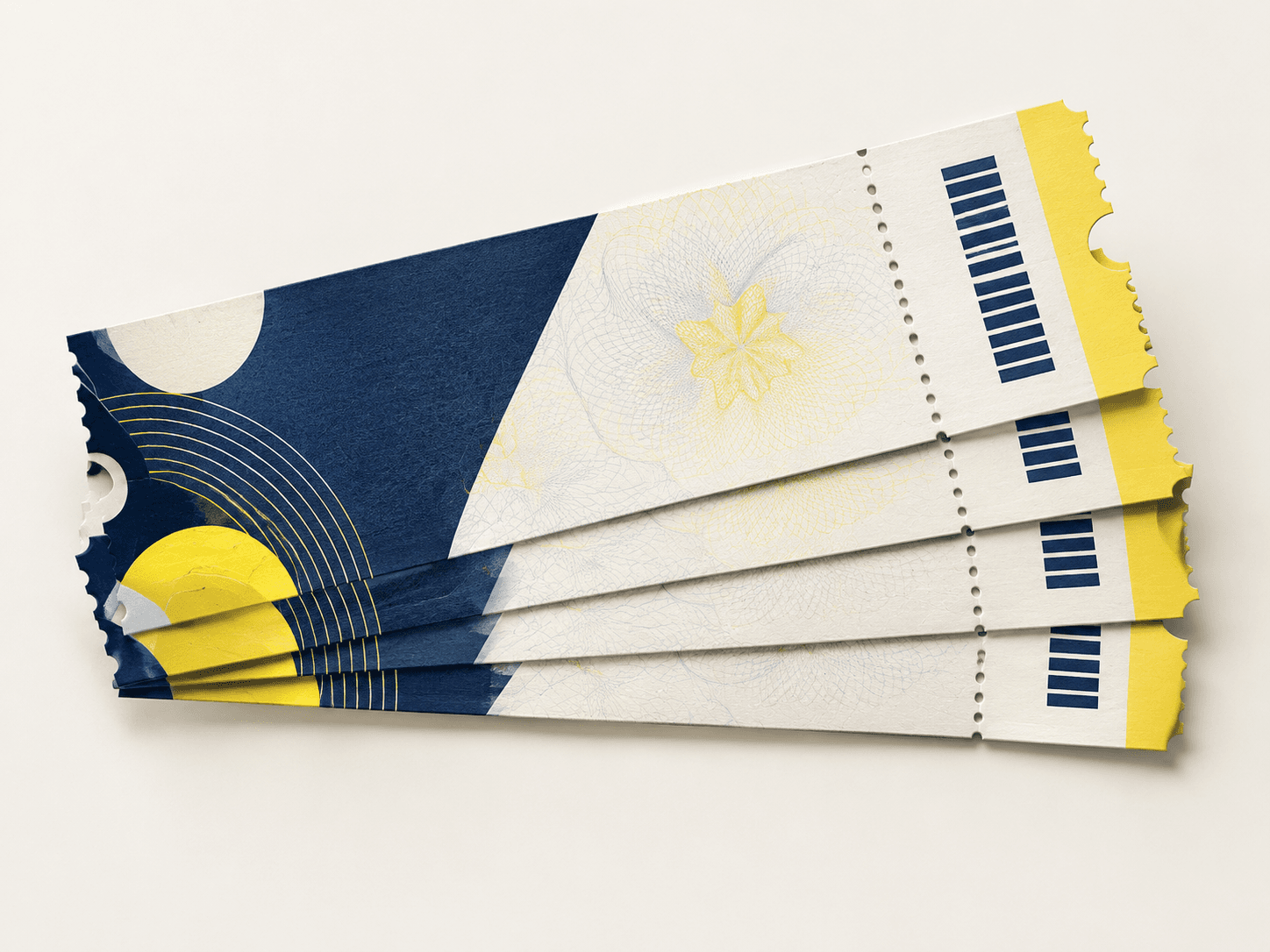
Visible access category
Session, zone and event details communicate where and when the ticket is valid.
Scan area
A defined code area supports the selected entry workflow.
Retained stub
A separately specified perforation separates the guest's portion from the organizer's record.
Specifications & materials
Specify the Ticket, Stub and Admission Data
Start with overall width × height in mm; stub width and perforation position. Then compare the material and construction choices below.
Use these options to prepare your specification. Material grades, weights, thicknesses and feasible dimensions are confirmed for the quoted construction. A paper weight is not a finished thickness or a strength rating.
| Parameter | Options or Information to Supply | Why It Matters |
|---|---|---|
| Finished dimensions | Compact design example: 150 × 70 mm; A6: 105 × 148 mm | Reference formats or explicitly labeled design examples. Select by the use cases below; custom trim and final construction belong in the quotation. |
| Format and component count | Tickets per event or session; stubs and book quantities if used | Count issued credentials by batch; matched ticket and stub form one unit, with inclusive serial ranges and voids listed separately. |
| Paper | Stock selected for handling and the chosen numbering process | Review stiffness and code contrast on a finished ticket. |
| Admission data | Event, date, session, access zone and unique identifier | Printing supplies the credential; validation rules belong to the entry system. |
| Perforation | Detachable stub or other specified tear line | Keep critical codes away from the tear and confirm which information stays with the guest. |
| Supply format | Loose tickets, bundles or booklets | State sequence direction and tickets per bundle or book. |
Swipe the table to compare selection checks.
Compare materials and construction
Choose around the intended use. These are alternatives to discuss, subject to the confirmed specification.
Uncoated ticket stock
- Suitable for
- Entry pieces with handwritten control or attendee fields.
- Check before selection
- Check writing and legibility on both the retained stub and main ticket.
Coated ticket stock
- Suitable for
- Image-led tickets using printed codes.
- Check before selection
- Test scanning after finishing and keep code quiet zones clear of perforations.
Surface finish options
Presentation areas, not functional marks
Keep handwritten fields, stamp areas, barcodes and QR codes readable. Discuss coating or foil only on suitable non-functional artwork; check scanner performance, perforation and any security process independently.
 No added surface treatment View effect & artwork guidance
 Varnish & coating View effect & artwork guidance
 Gold foil stamping View effect & artwork guidance
Illustrative finish samples, not photographs of this product. Final suitability follows the confirmed stock, construction and approved sample.
Compare all surface finishesConstruction & finishing
Keep Entry Codes Usable Before and After Tearing
Focus the review on scan performance, matching stub data and retained guest information.

01 / SELECTION CHECK
Keep access data under revision control
Link session, zone and unique identifier rules to the approved event master. Trial printed codes with the actual entry system. A scanner recognizing a code does not by itself establish valid access.
02 / SELECTION CHECK
Keep the stub out of the scan path
Position tear and trim zones clear of the code and required event details. Assess removal and any selected finish on the sample, ensuring the usable ticket portion retains the needed information.
Admission control & ticket workflow
Align the ticket, detachable stub and scan workflow before printing
An event ticket may need a readable admission face, a detachable counterfoil and a code that works at the entrance. Confirm which part is scanned or retained, how numbering is controlled and how the ticket will be validated at the event.
Compare dimensions and usable space
Published reference formats and labeled design examples, with their selection notes.
Compact design example · 150 × 70 mm
Portable credential design example; reserve session, identifier and any stub before placing artwork.
Read every format’s selection note
- Compact design example: 150 × 70 mm. Portable credential design example; reserve session, identifier and any stub before placing artwork.
- A6: 105 × 148 mm. More room for admission conditions or a retained record; keep the scan area intact after tearing.
- Admission information
- Perforation / retained stub
- Serial or barcode zone
Select the material by its finished behavior
Use paper or card that suits writing, tearing and distribution. An uncoated writing field is useful for participant details; a protected face changes ink acceptance. Select the converted stock around readable terms, clean perforation and scan performance rather than a blanket heavy-card specification.
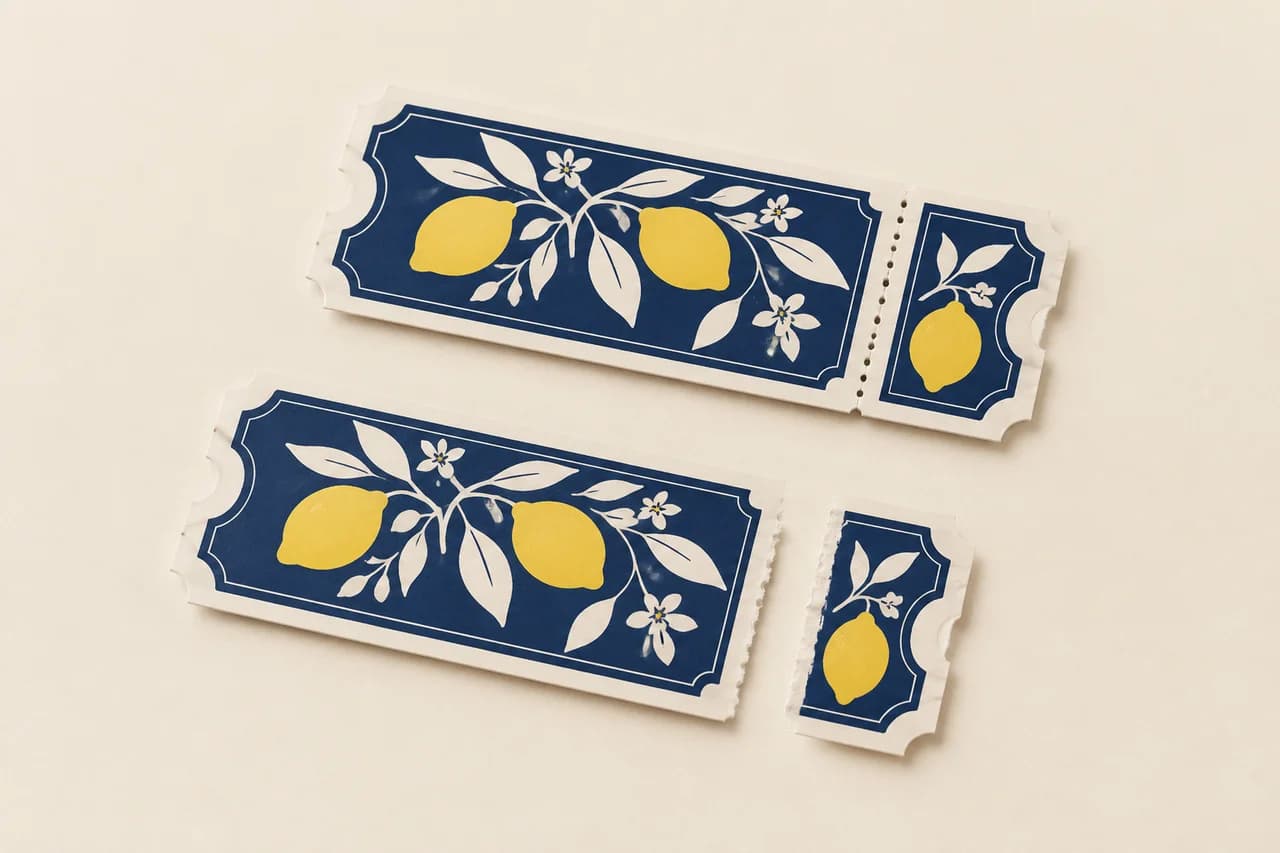
Production checks that prevent avoidable rework
Map what staff scan and retain
Mark the admission side, stub and direction of tear. Make the event, date, entry class and any seat information readable on the part the guest keeps.
Verify numbering and code data
Approve the first and last serials, uniqueness rule and test barcode with the ticketing system owner. Scan a physical sample using the intended device and lighting.
Test the perforation and tear
Tear a sample along the intended line and check whether the ticket stays intact at the retained edge. Position critical text and codes away from the perforation.
Use-case selection
Choose a configuration for the job it has to do
General admission
Use a clear event/date identity and scannable validation mark, with numbering if the workflow needs it.
Trade-off: A printed ticket does not replace a validated entry system.
Reserved seating
Show section, row and seat in a consistent location on the admission portion and stub if required.
Trade-off: Seat data changes require accurate variable-data proofing.
Multi-day event
Use distinct day or access identifiers and test each code against the entry rules.
Trade-off: Similar designs across days increase sorting and distribution risk.
Problem → cause → solution
Resolve the failure points before production
The scan fails at the gate
Why it happens: A code crosses a tear line or its quiet zone is crowded by artwork.
How to prevent it: Test the printed final-size code with the actual gate device; keep the full symbol and clear area on the retained ticket.
Serial ranges overlap between batches
Why it happens: A new file was generated without a controlled issued-range manifest.
How to prevent it: Record start and end identifiers for each batch. Reconcile duplicates, omissions and any deliberately voided numbers before pack-out.
Alternative formats
When another construction is a better fit
| Alternative | Structural difference | Selection trade-off |
|---|---|---|
| Raffle ticket | Matched participant and draw portions. | Designed for collection and reconciliation rather than an admission scan. |
Sampling & production
Choose a Sample That Answers Your Main Concern
A structural sample, a print proof and a finished sample answer different questions. Confirm the sample scope before approval. Free samples are prepared within 15 days; courier arrangements and transit time are separate.
Structure and material sample
Review paper and admission data with the proposed dimensions and component count. Agree whether the sample uses production materials or substitutes. An unprinted construction sample does not approve printed color.
Print and artwork proof
Review representative artwork at finished size on the agreed proof condition. Check admission data. A screen proof cannot establish physical feel or the performance of the finished assembly.
Complete finished sample
Assess scan performance, matching stub data and retained guest information with the specified components and finishing present. Record the approved revision and any differences to resolve before production.
How to Order Event Ticket
Send your project brief
Send overall width × height in mm; stub width and perforation position. Specify tickets per event or session; stubs and book quantities if used. State the number of tickets per event, session, access zone and data batch, delivery destination and required arrival date. Tell us which options are undecided.
Compare the quotation
Ask for pricing by tickets per event, session, access zone and data batch. Compare the same configuration at each quantity. The quotation should identify materials, finishing, sample scope, packing and freight, plus payment and order terms.
Review the right sample
Choose a sample that can demonstrate scan performance, matching stub data and retained guest information. Confirm what the free sample includes and any differences from the intended production specification. Preparation is completed within 15 days; courier arrangements and transit time are separate.
Approve the production version
Confirm the specification, file revision and sample decisions in writing. Production scheduling follows the agreed approvals and order release conditions; changes may require a revised quote or schedule.
Confirm packing and delivery
Separate sessions, zones and number batches. Agree booklet or loose-piece counts and protect perforations without losing traceability through distribution. Agree the destination and shipping arrangement, with production, dispatch and transit dates listed separately.
Details to Confirm in the Quotation
- Order unit and price breaks
- Specify tickets per event, session, access zone and data batch. Request the feasible minimum and quantity breaks for that exact configuration; a change of material, version or component count can change the price.
- Sample scope and delivery
- State whether you need a material trial, a print proof or a complete finished sample. Free samples are available, with preparation completed within 15 days. Confirm the included materials and processes; courier arrangements and transit time are separate.
- Approval and schedule
- State the required arrival date and whether versions ship together or to separate destinations. The quote must distinguish sample work, production and transit; a requested date is not a confirmed schedule.
- Packing and identification
- Separate sessions, zones and number batches. Agree booklet or loose-piece counts and protect perforations without losing traceability through distribution.
- 01
Supply session and access versions with the approved identifier mapping. Mark guest and retained portions and keep code quiet zones separate from trim, tear and decoration.
- 02
Use the PDF/X export preset and output condition confirmed with prepress. Embed fonts and identify the approved file revision.
- 03
Check continuous-tone images at about 300 effective pixels per inch (ppi) at their final placed size. Fine linework can require a different resolution or vector artwork.
- 04
Extend trim artwork by 3 mm unless the approved template specifies otherwise. Keep structural, folding and binding clearances separate from trim bleed.
- 05
Identify named spot colors or physical references and the intended substrate. Agree proof acceptance and keep finishing separations distinct. A screen PDF does not approve printed color.
Engineering & purchasing FAQ
Questions Before Ordering Event Ticket
Will any QR code work at the gate?
Only the format and records accepted by the organizer's system can establish the intended entry workflow. Test representative printed examples using that reader and validation process, including relevant session or zone versions.
What must remain on the guest portion?
Retain the information the organizer requires after any stub is removed, including event, access category and required identifier. Define the split before artwork approval and check the tear on actual stock.
What data is needed for numbered tickets?
Provide the numbering rule or approved data file, record count and any matching stub fields. Identify reserved or excluded numbers and test the code format with the event’s entry system.
Which sample should I request first?
Start with the uncertainty that could change the specification: scan performance, matching stub data and retained guest information. If the concern is physical, request the relevant material or functional sample. If it is print appearance, agree a suitable proof. Confirm the sample scope before approval. Free sample preparation is completed within 15 days; courier arrangements and transit time are separate.
How should I state quantities for a quote?
Use tickets per event, session, access zone and data batch. Separate versions and give a delivery destination and required arrival date. This lets the quote distinguish the production quantity, packing and shipping scope.
Your project specification
Plan Your Event Ticket Order
Send overall width × height in mm; stub width and perforation position. Specify tickets per event or session; stubs and book quantities if used. State the number of tickets per event, session, access zone and data batch, delivery destination and required arrival date. Tell us which options are undecided.