
Controlled portrait records in a lasting school edition
Custom Yearbook Printing
Preserve portraits, names and school events in an edition designed for repeated reference. Choose paper and binding for image-heavy content, then control the final roster and any signing pages.
- Portrait-to-name-to-page verification
- Image-led and signing-page stocks
- Roster and edition release control
The product in use
Keep every portrait connected to the correct name.
A yearbook combines portrait grids, captions and event spreads with a dated edition identity. Small faces and names need consistent scaling and clear reproduction. A rigid case adds shelf protection; the book block still determines gutter access and page retention. Coated photo sections and writable signing sections serve different purposes. Their positions and stocks should be specified as part of the assembly rather than treated as interchangeable blank pages.

Portrait identity must survive layout and late changes.
- 01Portrait register
- Each approved image connects to a name and group. Stable portrait IDs prevent filename changes from breaking identity.
- 02Page grid
- Grid density determines portrait size, caption space and page count. Test long names before applying the grid to the full roster.
- 03Book and signing sections
- Image reproduction and handwriting need different surface checks. A separate signing section may use a different stock.
Specifications & materials
Compare the options and what they change.
Numeric dimensions and paper weights are selection references, not guaranteed Lemon production limits or a stocked-material list. The quoted specification identifies the available grade and construction.
| Engineering spec | Reference or option | Selection effect |
|---|---|---|
| Finished dimensions | 8.5 × 11 in (215.9 × 279.4 mm); 8 × 10 in (203.2 × 254 mm) | Interior trim references, not manufacturing limits. Portrait grids, group photos and event layouts. Compact edition; maintain readable caption size. |
| Format and component count | Complete book: interior, cover and separately identified components | Send trim, total pages, quantities by school/site, paper sections, binding, cover finish, signing requirements and destination. Include the final delivery event. |
| Photo sections | 115, 130 or 150gsm coated references | Compare fine faces, skin tones and reverse-side coverage. |
| Signing section | 100 or 120gsm uncoated references, if included | Use the intended pen; coated or protected surfaces may dry differently. |
| Binding and cover | Hardcover or flexible cover with selected book block | A rigid case is not a guarantee of flat opening. |
| Edition control | Year, school/site, portrait ID and name roster revision | Approve the final roster and layout together. |
| Portrait data | Portrait ID, approved name, group, crop and final page reference | Verify identity after pagination and include late changes in the release register. |
| Signing stock | Separate writable section where required; actual pen/drying trial | Photo-paper appearance and signing performance are distinct checks; avoid blanket writable claims. |
Portrait and event pages
115/130/150gsm coated references for image-led sections.
Proof the smallest faces and darkest event spread.
Signing pages
100/120gsm uncoated references in a separately identified section.
Test ink drying and check section placement within the bound assembly.
Portrait pages need consistent crop and image appearance, while signing pages need a suitable writing surface. Record the two stocks independently when the edition combines them.
A decision for this product
Freeze the portrait map before final pagination.
Portrait ID → approved name → page
One approved roster governs names, groups and late changes. Recheck cross-references after pagination is final.
Selection illustration · not a production template or test result
Selected direction
Rigid case + image-led interior
Keepsake edition · Rigid case + image-led interior
Prioritizes storage and presentation; assess book-block opening.
Signing edition · Separate writable section
Balances photographic pages with a surface tested for handwriting.
See the trim proportions.
These are publishing references, not required sizes. Compare the usable page shape before adapting an existing layout.
Selected: 8.5 × 11 in. Proportions only; not actual size.
Trim dimensions describe the cut page. Artwork bleed, cover overhang, tabs and modules are separate allowances.
Surface finish options
Printed covers and jackets
Choose the finish for the printed cover or jacket, not automatically for the interior. Check color, rub marks, hinges and compatibility with the cover stock. Cloth and synthetic wraps need a separate material trial.
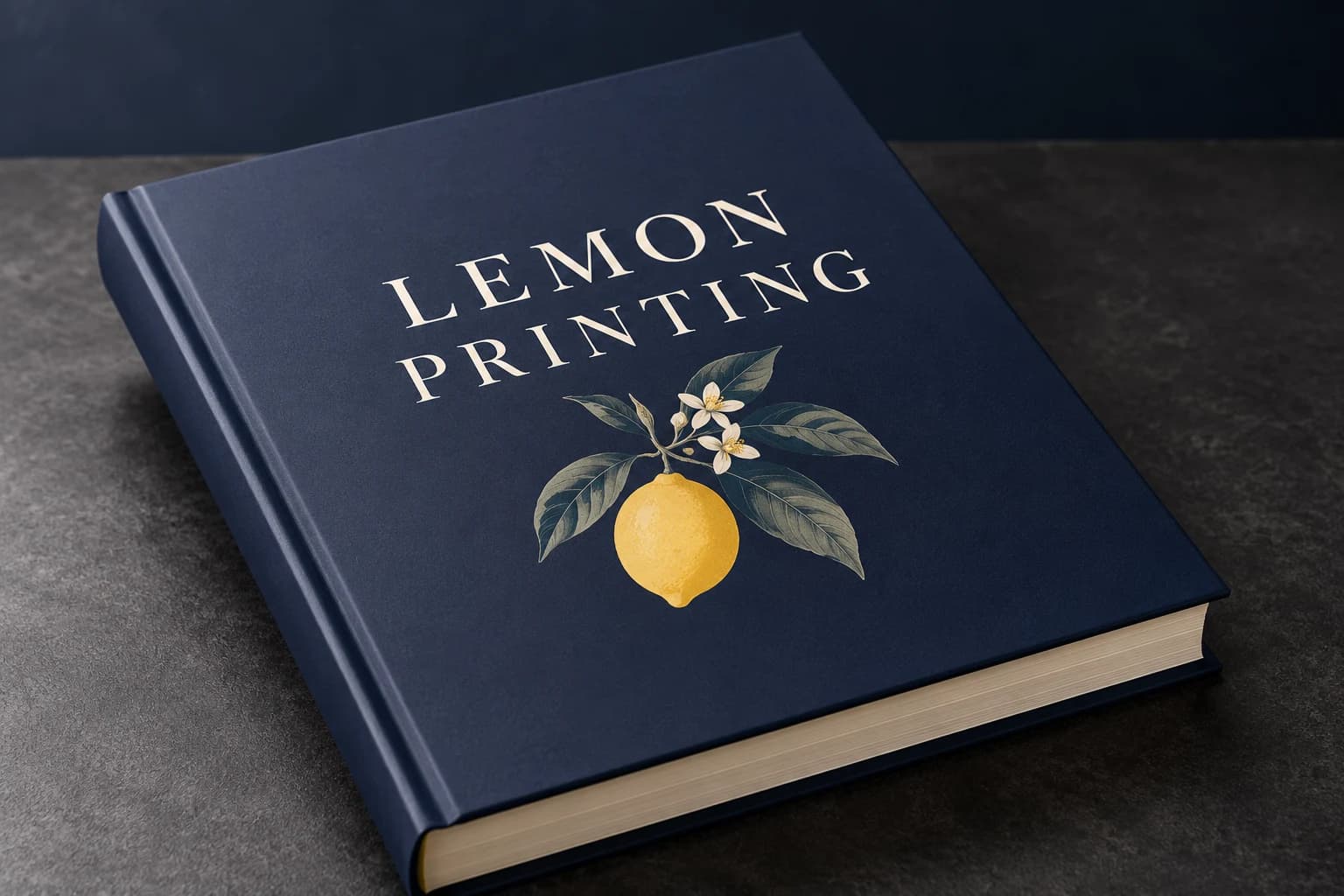 Matte lamination View effect & artwork guidance
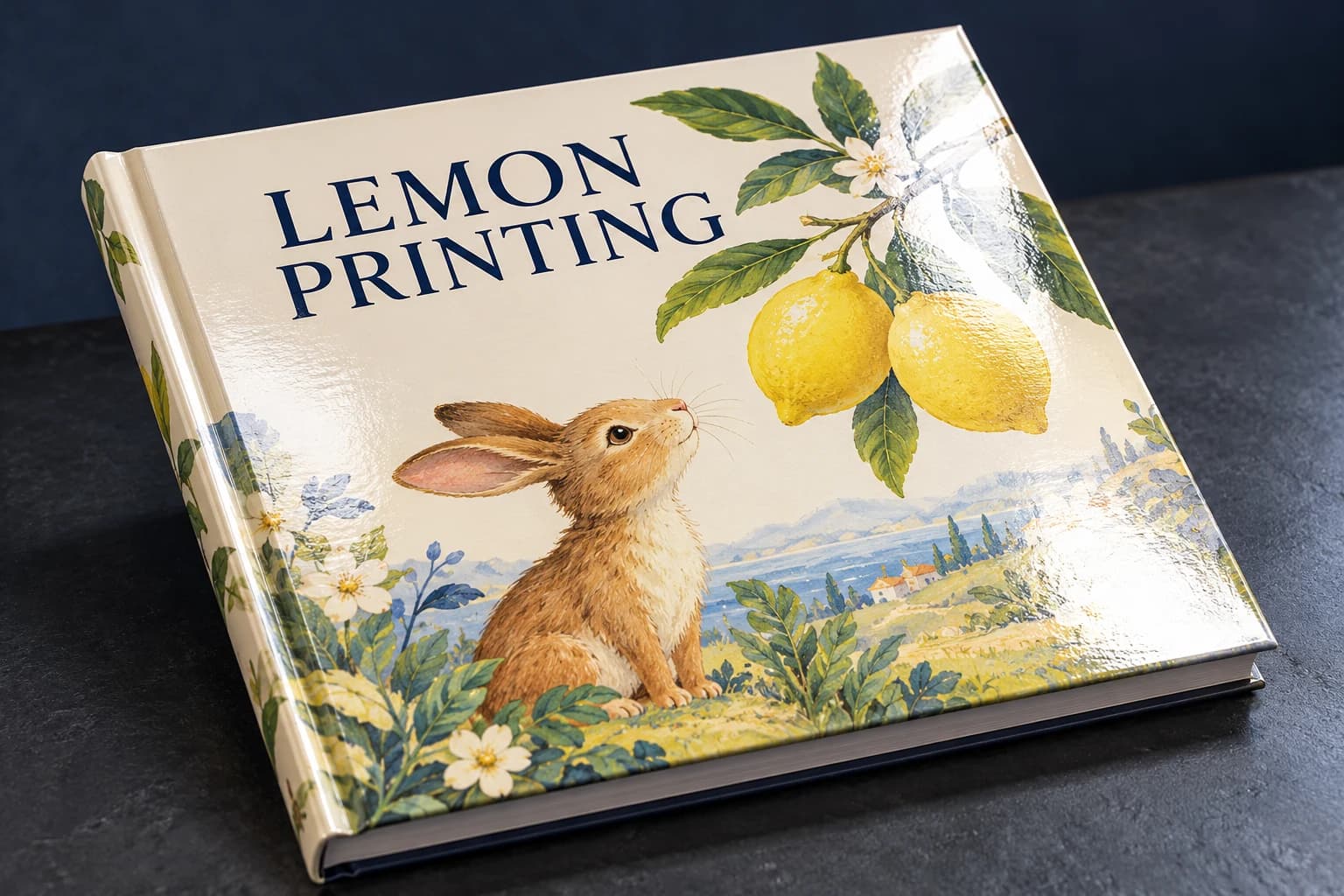 Gloss lamination View effect & artwork guidance
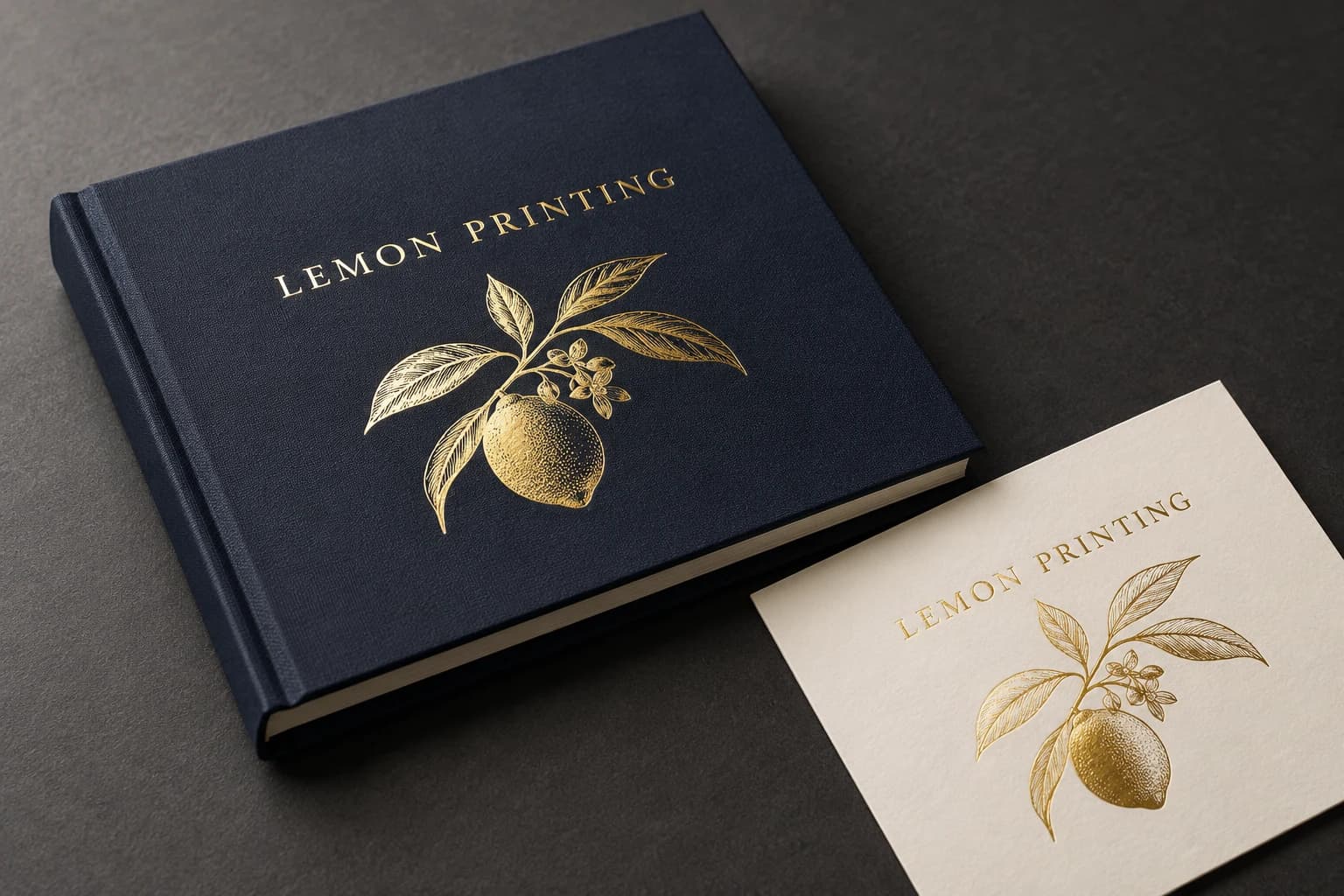 Gold foil stamping View effect & artwork guidance
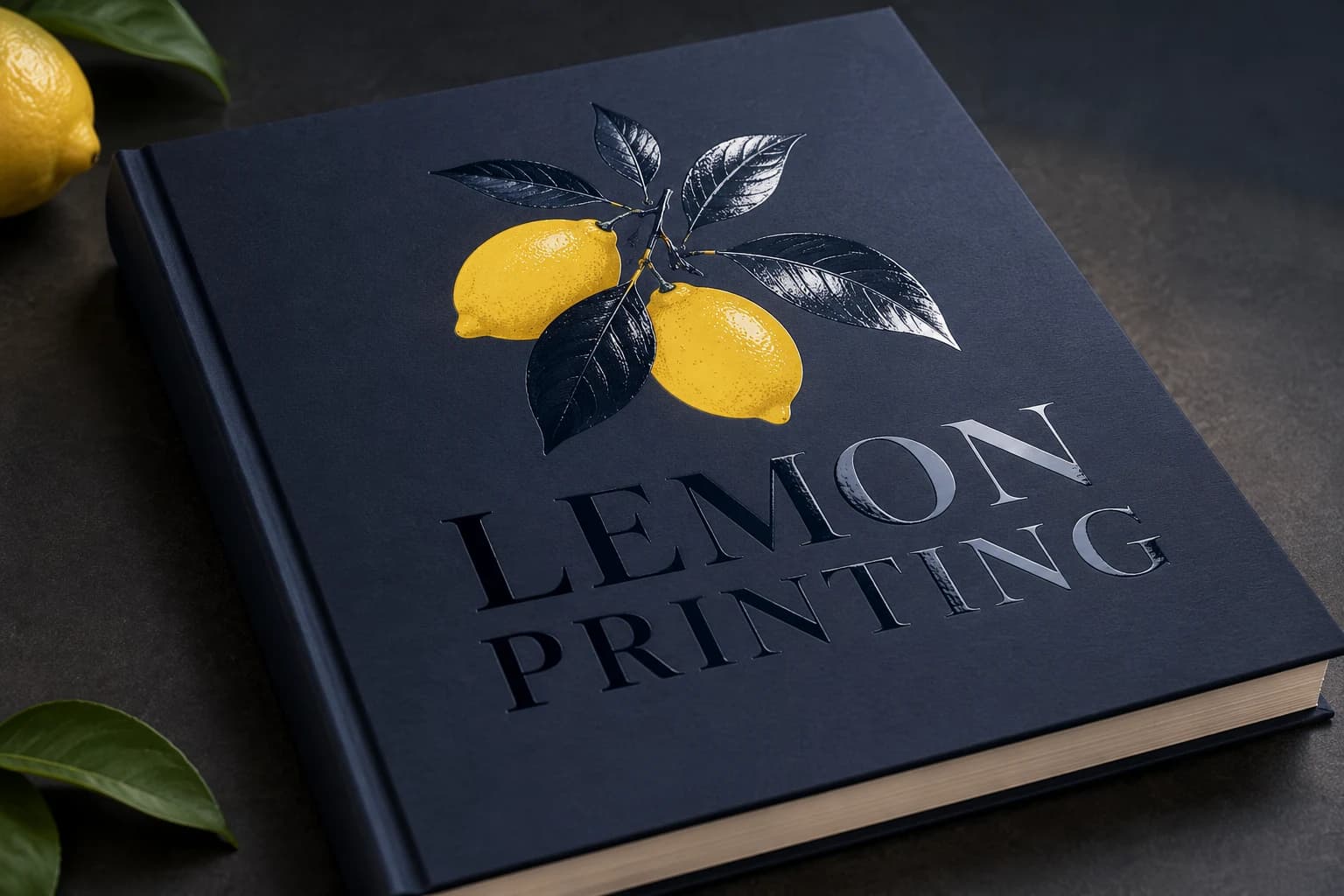 Spot UV View effect & artwork guidance
Illustrative finish samples, not photographs of this product. Final suitability follows the confirmed stock, construction and approved sample.
Compare all surface finishesHow it is made
Construction decisions with a practical effect.

Portrait and name verification
A stable portrait ID should connect the image and approved name. Check missing entries, duplicate images and late replacements against a controlled roster before the print PDF is locked.
Binding and mixed sections
Photo pages and signing pages can use different selected stocks. Mixed caliper changes the stack and spine; approve the actual section sequence and complete book rather than a uniform-paper dummy.

Details that change the finished book
Freeze the roster, then verify the final paginated edition.
A correct database can still produce a wrong printed caption. Check identity after images, names and groups have been placed into the final page layout.
Use one approved portrait register
Connect portrait ID, approved name and group to the layout. Record late substitutions and spelling changes against that register.
Test the densest grid
Check crop, faces, caption space and long names at actual size. Reducing portrait size to fit a roster is a content decision as well as a cost decision.
Review signing pages separately
Try the intended pens on the actual signing surface. A coated photograph page should not automatically be assumed suitable for signatures.
Match the specification to the project
Yearbook configurations in use.
Keepsake yearbook
Rigid case · image-led interior · controlled gutters
Shelf storage and repeated viewing favor a complete bound review of portraits and panoramic event photographs.
Signing edition
Separate writable section · pen trial
Signing behavior is selected deliberately rather than inferred from the photographic stock.
Compact school edition
Moderate trim · tested portrait density
A smaller format can be easier to distribute; preserve readable names and recognizable faces.
Solve the risk before production
What can go wrong, and how to check it.
A portrait carries the wrong name
Cause: Images and roster changes were updated independently.
Fix and check: Proof by portrait ID against the final approved roster and record each replacement.
Signing ink smears
Cause: A coated or finished surface was selected without a pen test.
Fix and check: Test the intended pen after normal drying and allocate a writable section if needed.
A late portrait update appears with the wrong caption
Cause: An image was substituted without updating its linked identity or layout position.
Fix and check: Verify changed records in the final PDF by portrait ID, name, group and page; inspect adjacent records after any reflow.
When to choose another format
Yearbook or another format?
| Alternative | Structure | Use and trade-off |
|---|---|---|
| Photo book | Image sequencing as the main content | Less roster and name-map complexity, with similar gutter decisions. |
| Hardcover | Case construction as the main format | Explains the rigid cover and book-block options in more detail. |
Samples & order planning
Test the physical question before the bulk run.
A sample for the actual product
Proof a portrait grid and dense event spread, test signing ink and inspect a dummy with the final section order.
Roster and image proof
Verify portrait/name/group matches, long captions and the final image crops.
Bound edition and signing trial
Check gutter access, complete opening and the intended pens on any signing section.
Order Details for Yearbook Printing
Quantity and quotation
Quote complete finished books per title or version. Send trim, total pages, quantities by school/site, paper sections, binding, cover finish, signing requirements and destination. Include the final delivery event.
Sample scope and schedule
Free samples are available, with preparation completed within 15 days. Confirm which materials, finishes and construction the sample represents. Courier arrangements and transit time are separate. The quotation records bulk production timing and the minimum quantity for your configuration.
Packing and delivery
Protect case corners or flexible-cover edges and label cartons by school/site. Keep the edition year and distribution counts visible on carton labels.
- 01
Maintain portrait IDs, approved names and the final roster version.
- 02
Check page references, year and school/site identity.
- 03
Use 300ppi portraits at final crop size and keep names clear of the gutter.
- 04
Identify signing sections and all blanks in the assembly map.
Product questions
Details worth settling before ordering.
Can we replace portraits after the final proof?
A replacement creates a new content revision. Update the portrait map and recheck crop, name and affected pages before release.
Must the entire yearbook use one stock?
No as a design option, but mixed sections affect thickness, collation and opening. List each section and approve the complete assembly.
Is a digital proof enough for names and photos?
It helps verify the roster and layout; a physical print proof is needed to judge small portraits, paper appearance and the signing surface.
How many portraits should fit on a page?
Choose the grid from usable page area, crop size and caption length. A 3 × 4 example holds 12 portraits; a 4 × 5 example holds 20, with smaller cells at the same trim. Check the longest names and faces at actual size.
Can students sign directly on coated photo pages?
That depends on the actual surface and pen. Trial drying and smearing on the selected printed sheet. A separate uncoated signing section avoids assuming that a photograph grade serves handwriting equally well.
Your yearbook project
Send a brief that can become a specification.
Send trim, total pages, quantities by school/site, paper sections, binding, cover finish, signing requirements and destination. Include the final delivery event.
Related formats & guidance