
Editorial production planning
Custom Annual Report Printing
Annual reports suit companies and organizations combining narrative, photography and detailed tables. The printed edition should keep figures legible and its approved version easy to identify.
- Data-led pages
- Image and narrative
- Edition control
Illustrative product configuration
Product overview
A report with clear reading and reference paths.
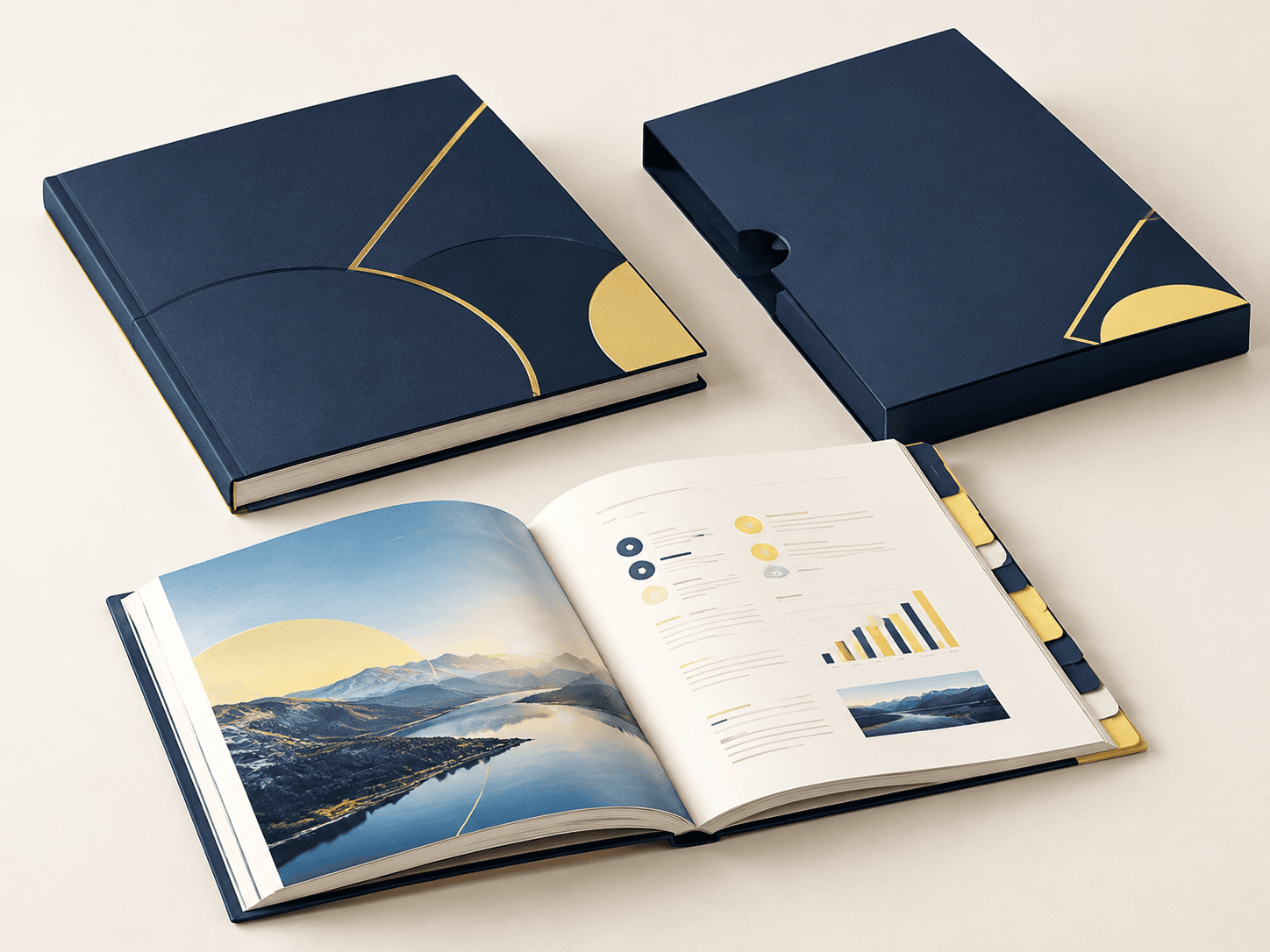
An annual report combines financial tables, editorial sections and photographs in a navigable publication. Page width governs table legibility; paper opacity keeps reverse-side figures from distracting the reader. Coated image sections and uncoated text sections serve different reading tasks. Binding and pagination determine access to notes near the gutter, so representative tables belong in the physical-size proof.
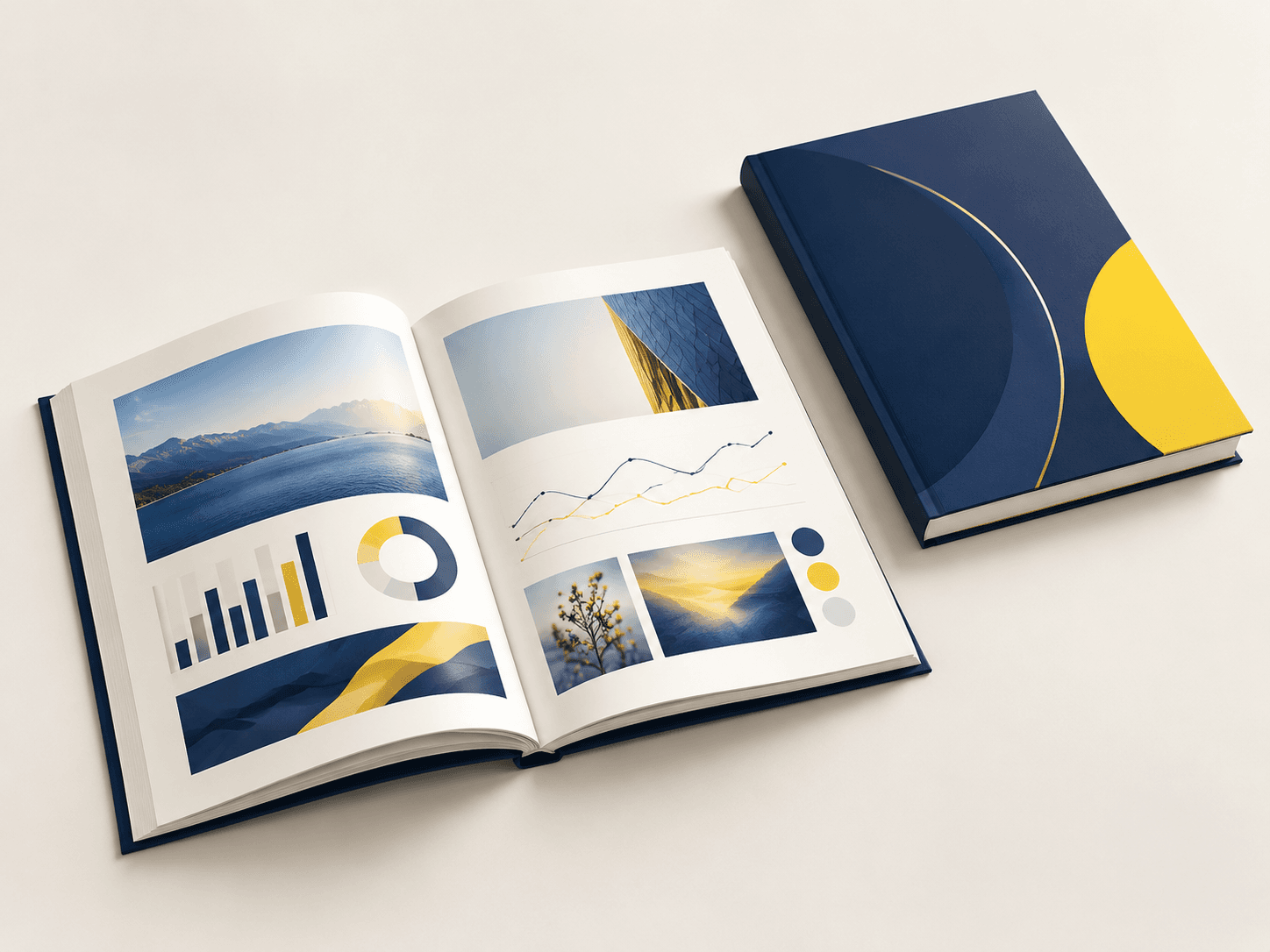
Data-led pages
Tables, charts and notes need consistent hierarchy and legibility at the final printed size.
Image and narrative
Photography and editorial sections provide context alongside financial and operational information.
Edition control
Reporting year, language and version identifiers distinguish an official physical publication.
Specifications & materials
Choose a Format That Keeps Tables Readable
Start with trim width × height in mm and orientation. Then compare the material and construction choices below.
Use these options to prepare your specification. Material grades, weights, thicknesses and feasible dimensions are confirmed for the quoted construction. A paper weight is not a finished thickness or a strength rating.
| Parameter | Options or Information to Supply | Why It Matters |
|---|---|---|
| Finished dimensions | A4: 210 × 297 mm; A5: 148 × 210 mm | Reference formats or explicitly labeled design examples. Select by the use cases below; custom trim and final construction belong in the quotation. |
| Format and component count | Full pagination including notes, appendices, blanks and covers | Identify one complete finished item and its versions; list inserts, covers or supporting components separately. |
| Interior paper | Coated printing paper: 115 / 170 / 250 g/m² supplier-reference grades; uncoated alternative for writing | Named supplier examples, not stocked grades or production limits. Choose by opacity, image detail, stiffness and converted handling. |
| Cover and binding | Card cover or rigid case; binding matched to final bulk | Check access to notes and tables near the gutter. |
| Data presentation | Tables, charts, footnotes and cross-references | Use representative dense pages in the proof and verify the final pagination. |
| Version identification | Reporting year, language and release revision | Identify the approved master file and any separately printed inserts. |
Swipe the table to compare selection checks.
Compare materials and construction
Choose around the intended use. These are alternatives to discuss, subject to the confirmed specification.
Coated interior
- Suitable for
- Reports with photographs, charts and dense color pages.
- Check before selection
- Check chart keys and fine type, not only full-page images.
Uncoated interior
- Suitable for
- Text-heavy reports and tables with a less reflective surface.
- Check before selection
- Review show-through and measured bulk before confirming binding and spine.
Surface finish options
Printed covers and jackets
Choose the finish for the printed cover or jacket, not automatically for the interior. Check color, rub marks, hinges and compatibility with the cover stock. Cloth and synthetic wraps need a separate material trial.
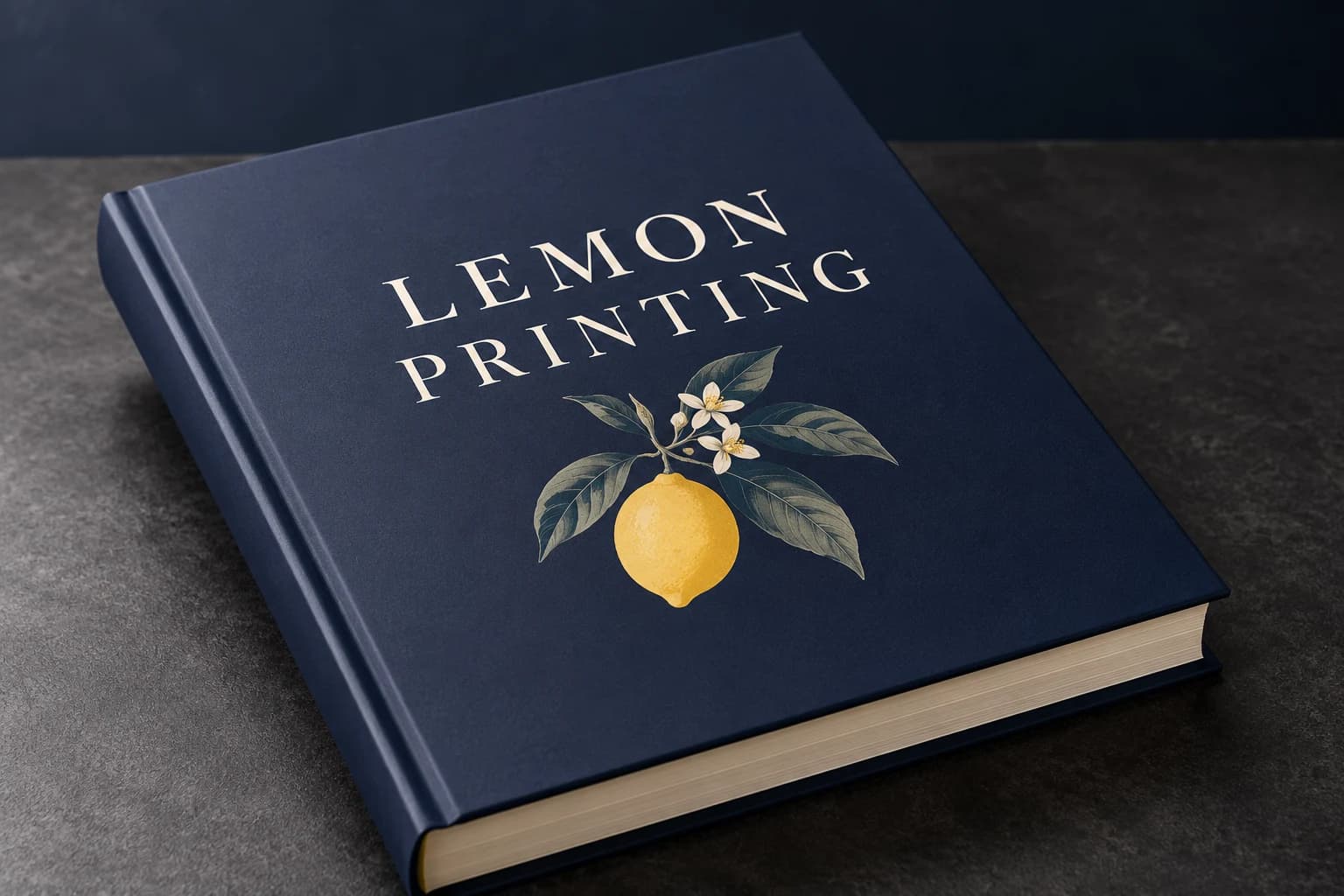 Matte lamination View effect & artwork guidance
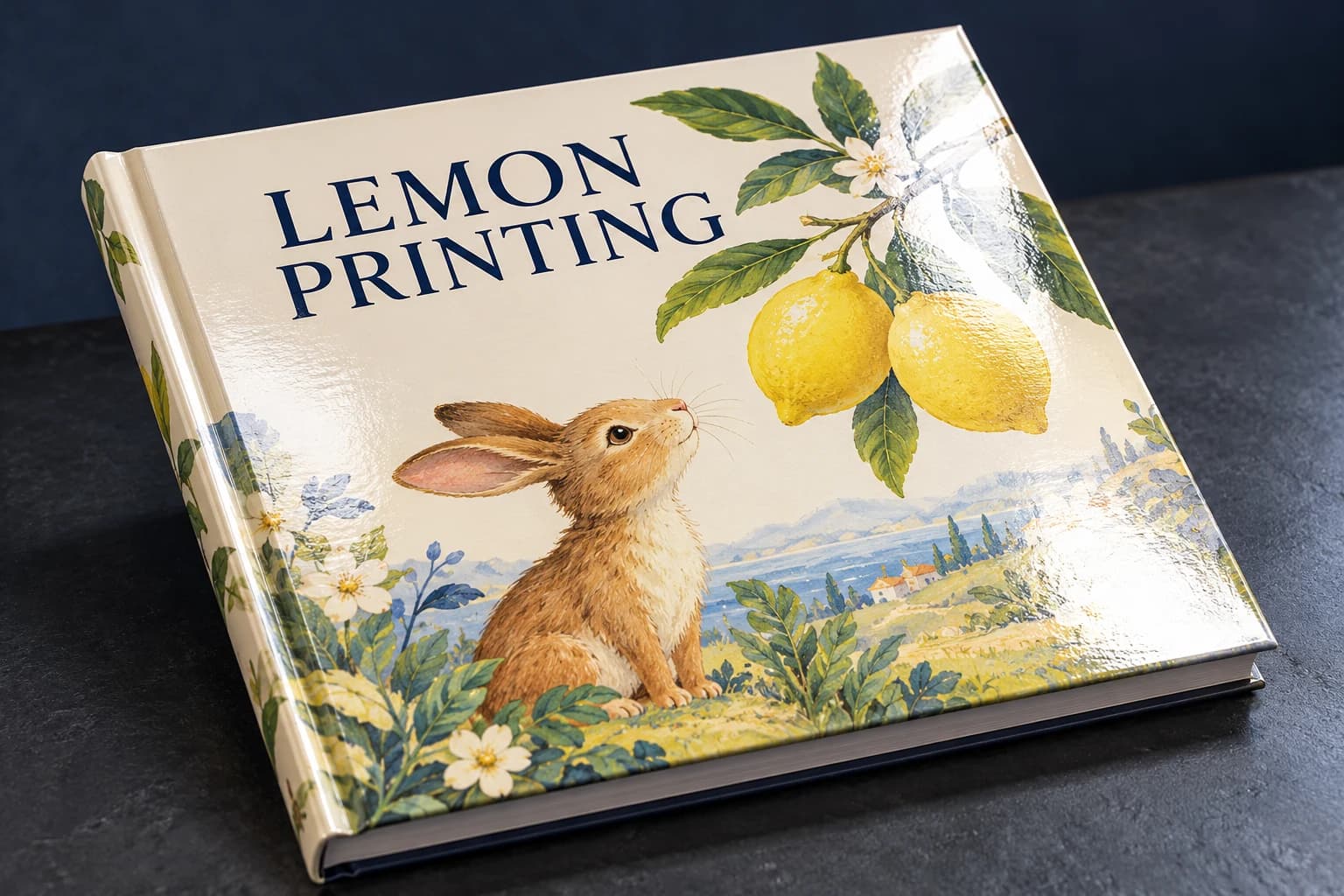 Gloss lamination View effect & artwork guidance
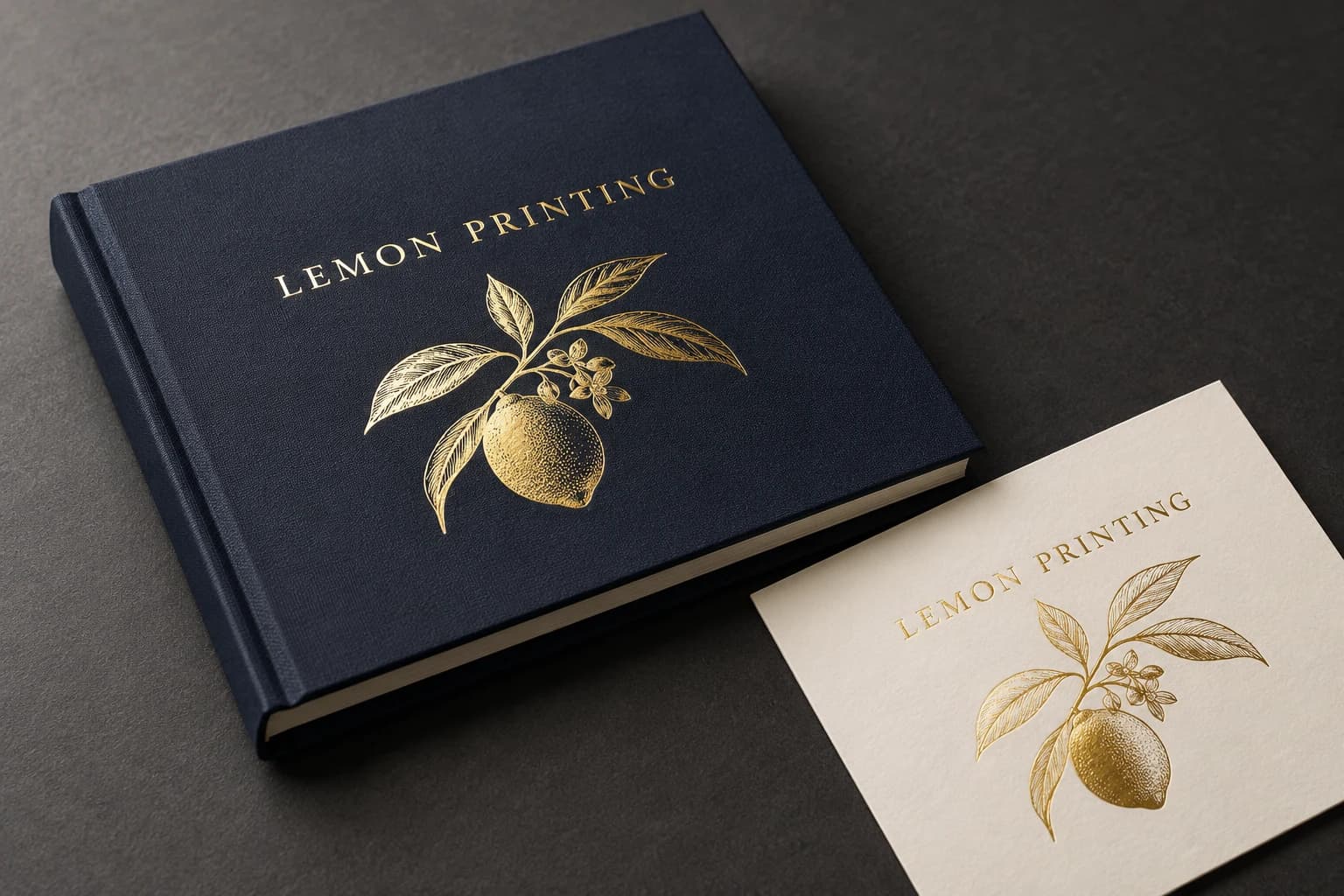 Gold foil stamping View effect & artwork guidance
 Spot UV View effect & artwork guidance
Illustrative finish samples, not photographs of this product. Final suitability follows the confirmed stock, construction and approved sample.
Compare all surface finishesConstruction & finishing
Protect Small Type and Control the Released Edition
Focus the review on small table text, chart legends, page references and the approved reporting version.
01 / SELECTION CHECK
Check figures at actual reading size
Review tables, chart labels and notes against the approved data source. Confirm contrast and type size at final dimensions; print reproduction checks do not validate the reported figures.
02 / SELECTION CHECK
Release one controlled edition
Keep reporting year, language, cover and page set under one revision. Track changed tables through the final approval reference and use that identity again for the packed publication.
Editorial production planning
Build the report around its review and reading sequence
Annual reports combine long-form text, financial tables and image-led sections. Plan pagination, chart legibility, paper opacity and binding together so the approved report reads cleanly in print and stays consistent across every version.
Compare dimensions and usable space
Published reference formats with their selection notes.
A4 · 210 × 297 mm
A wider financial table and readable footnote columns; assess the gutter on a bound proof.
Read every format’s selection note
- A4: 210 × 297 mm. A wider financial table and readable footnote columns; assess the gutter on a bound proof.
- A5: 148 × 210 mm. A portable report; reflow financial tables instead of shrinking the entire spread.
- Cover & spine
- Financial and text pages
- Charts, tables & inserts
Select the material by its finished behavior
Coated paper favors image sections; uncoated paper offers a quieter reading and annotation surface. Sappi Magno Satin’s 115 and 170 g/m² grades are coated reference examples, not a Lemon stock list. Opacity, actual caliper and the representative table proof matter more than selecting a heavier sheet by default.
Production checks that prevent avoidable rework
Lock the page architecture
Set the final page count, section order, blank pages and insert positions before calculating the cover spine. Check that every language or regional edition uses the same pagination plan where intended.
Proof dense information at final size
Review footnotes, table rules, chart labels and small type on a physical-size proof. A screen enlargement can hide weak contrast, cramped columns and labels that become difficult to read in print.
Control version release
Give each edition a clear file name and version identifier. Approve the final cover and interior together, then release only the locked files to prevent a late chart or disclosure change from creating mixed versions.
Use-case selection
Choose a configuration for the job it has to do
Investor and statutory report
Prioritize legible financial tables, clear hierarchy, durable binding and a restrained cover finish.
Trade-off: More pages or heavier stock increase finished weight and spine width; confirm both after pagination is stable.
Brand-led annual review
Use image sections, coated pages where photographs matter, and uncoated text pages where a quieter reading surface is preferred.
Trade-off: Mixing stocks can complicate pagination and signatures; plan section boundaries with prepress.
Multi-market or multilingual edition
Provide a version matrix with language, page count, quantities and destination for each edition.
Trade-off: Translated copy can change line breaks and pagination, so each edition needs its own final proof.
Problem → cause → solution
Resolve the failure points before production
Footnotes become unreadable
Why it happens: Dense tables were scaled down to fit the trim instead of being reflowed.
How to prevent it: Proof the most crowded pages at 100% size. Rework column widths, line spacing and table breaks before final pagination.
A late revision changes the spine or mixes editions
Why it happens: Pagination or language variants changed after cover and collation files were released.
How to prevent it: Lock one release identifier for cover, interior and inserts; reconcile a page manifest for every edition before production.
Alternative formats
When another construction is a better fit
| Alternative | Structural difference | Selection trade-off |
|---|---|---|
| Perfect-bound publication | Flexible cover and glued spine. | Useful for longer reports; the gutter consumes part of the reading area. |
| Saddle-stitched publication | Nested folded sheets held by wire staples. | A thinner report opens readily; the page architecture must suit folded-sheet imposition. |
Sampling & production
Choose a Sample That Answers Your Main Concern
A structural sample, a print proof and a finished sample answer different questions. Confirm the sample scope before approval. Free samples are prepared within 15 days; courier arrangements and transit time are separate.
Structure and material sample
Review interior paper and cover and binding with the proposed dimensions and component count. Agree whether the sample uses production materials or substitutes. An unprinted construction sample does not approve printed color.
Print and artwork proof
Review representative artwork at finished size on the agreed proof condition. Check small tables, figures and footnotes. A screen proof cannot establish physical feel or the performance of the finished assembly.
Complete finished sample
Assess small table text, chart legends, page references and the approved reporting version with the specified components and finishing present. Record the approved revision and any differences to resolve before production.
How to Order Annual Report
Send your project brief
Send trim width × height in mm and orientation. Specify full pagination including notes, appendices, blanks and covers. State the number of copies per reporting year, language and approved edition, delivery destination and required arrival date. Tell us which options are undecided.
Compare the quotation
Ask for pricing by copies per reporting year, language and approved edition. Compare the same configuration at each quantity. The quotation should identify materials, finishing, sample scope, packing and freight, plus payment and order terms.
Review the right sample
Choose a sample that can demonstrate small table text, chart legends, page references and the approved reporting version. Confirm what the free sample includes and any differences from the intended production specification. Preparation is completed within 15 days; courier arrangements and transit time are separate.
Approve the production version
Confirm the specification, file revision and sample decisions in writing. Production scheduling follows the agreed approvals and order release conditions; changes may require a revised quote or schedule.
Confirm packing and delivery
Keep years, languages and revisions separate. Label editions and copy counts on cartons and protect covers and corners for formal distribution. Agree the destination and shipping arrangement, with production, dispatch and transit dates listed separately.
Details to Confirm in the Quotation
- Order unit and price breaks
- Specify copies per reporting year, language and approved edition. Request the feasible minimum and quantity breaks for that exact configuration; a change of material, version or component count can change the price.
- Sample scope and delivery
- State whether you need a material trial, a print proof or a complete finished sample. Free samples are available, with preparation completed within 15 days. Confirm the included materials and processes; courier arrangements and transit time are separate.
- Approval and schedule
- State the required arrival date and whether versions ship together or to separate destinations. The quote must distinguish sample work, production and transit; a requested date is not a confirmed schedule.
- Packing and identification
- Keep years, languages and revisions separate. Label editions and copy counts on cartons and protect covers and corners for formal distribution.
- 01
Provide a final versioned report with reporting year and languages stated. Flag critical charts and small tables and use the confirmed binding specification for the separate cover.
- 02
Use the PDF/X export preset and output condition confirmed with prepress. Embed fonts and identify the approved file revision.
- 03
Check continuous-tone images at about 300 effective pixels per inch (ppi) at their final placed size. Fine linework can require a different resolution or vector artwork.
- 04
Extend trim artwork by 3 mm unless the approved template specifies otherwise. Keep structural, folding and binding clearances separate from trim bleed.
- 05
Identify named spot colors or physical references and the intended substrate. Agree proof acceptance and keep finishing separations distinct. A screen PDF does not approve printed color.
Engineering & purchasing FAQ
Questions Before Ordering Annual Report
Can prepress validate financial figures?
The buyer must validate figures and disclosures against the official source. Prepress checks file integrity and printed legibility. Supply a controlled approved version to avoid reproducing an otherwise well-printed but outdated report.
How can small tables stay readable?
Evaluate printed type size, contrast, rule weights and spacing in representative pages. Reducing the report's trim without revisiting those details can make a technically correct table difficult to read.
Can a proof check replace financial or legal review?
No. Print proofs help check reproduction and layout. Your reviewers must approve figures, disclosures and wording before the final files are released.
Which sample should I request first?
Start with the uncertainty that could change the specification: small table text, chart legends, page references and the approved reporting version. If the concern is physical, request the relevant material or functional sample. If it is print appearance, agree a suitable proof. Confirm the sample scope before approval. Free sample preparation is completed within 15 days; courier arrangements and transit time are separate.
How should I state quantities for a quote?
Use copies per reporting year, language and approved edition. Separate versions and give a delivery destination and required arrival date. This lets the quote distinguish the production quantity, packing and shipping scope.
Your project specification
Plan Your Annual Report Order
Send trim width × height in mm and orientation. Specify full pagination including notes, appendices, blanks and covers. State the number of copies per reporting year, language and approved edition, delivery destination and required arrival date. Tell us which options are undecided.
Related formats & guidance
Brochure Printing
A fold sets the order in which a reader encounters headings, images and supporting detail.
All Book Printing
A rigid case, flexible cover or mounted leaf changes the weight and feel of the publication.
Factory
Review the production workflow and project checks.
Quality control
Review sample references, inspection scope and the agreed checks for your order.