
Compare formats & applications
Custom Brochure Printing
A brochure uses folding to turn a flat printed sheet into a reading sequence. The cover starts the message; inner panels reveal details; the fully opened sheet can bring related material together. Compare the formats below, then discuss the size, quantity and use of your project.
- Panel storytelling
- Portable distribution
- Connected surfaces
Category overview
Choose a Fold That Leads Readers Through the Message
A brochure uses folding to turn a flat printed sheet into a reading sequence. The cover starts the message; inner panels reveal details; the fully opened sheet can bring related material together. Fold style and panel proportions define that experience, while stock stiffness and surface affect how the piece closes, feels and presents photographs or small supporting text. Start by comparing the functions in this range; each linked product page explains its own materials and construction.

Product formats
Compare Folds and Flat Sales Formats
Review the available formats, then open a product page for its construction, materials, artwork and purchasing details.
Illustrative product configuration
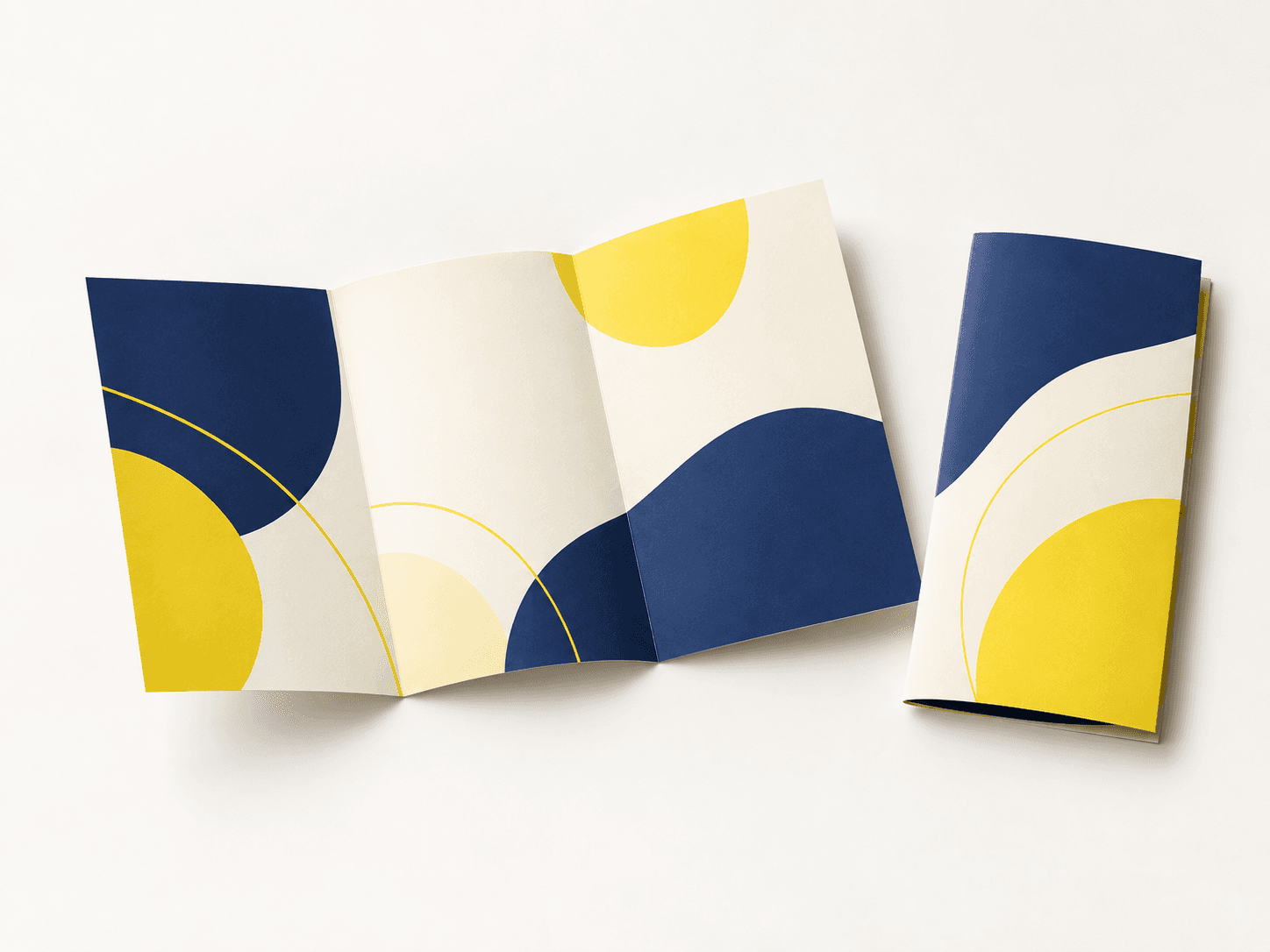
Bi-Fold Brochure Printing
One fold separates the cover from an inside spread without a nested tuck panel.
Illustrative product configuration
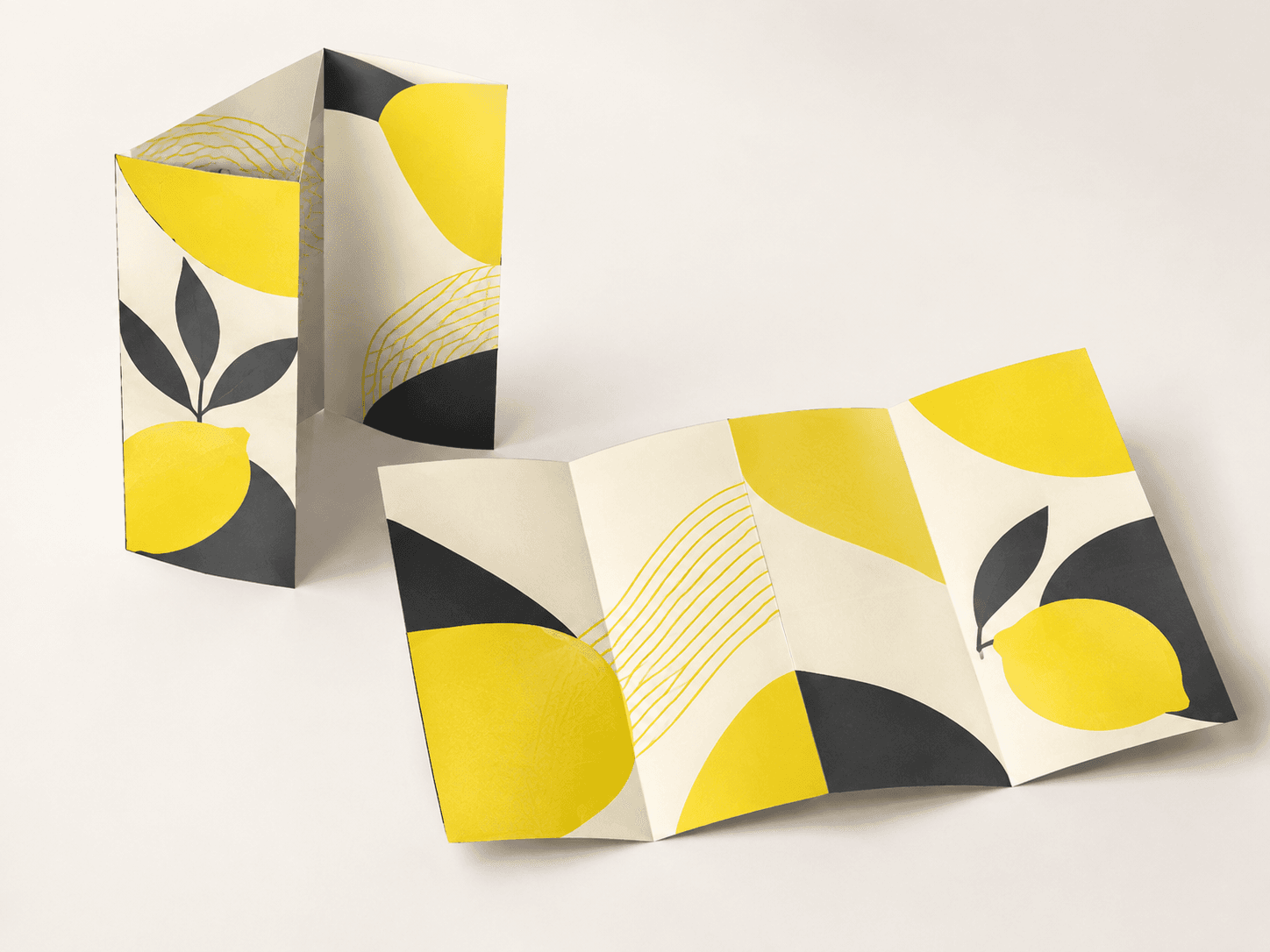
Tri-Fold Brochure Printing
Three panels per side move from a front message to supporting information as the fold opens.

Illustrative product configuration
Z-Fold Brochure Printing
The sheet folds in opposite directions to make an accordion rather than a tucked roll fold.
Illustrative product configuration
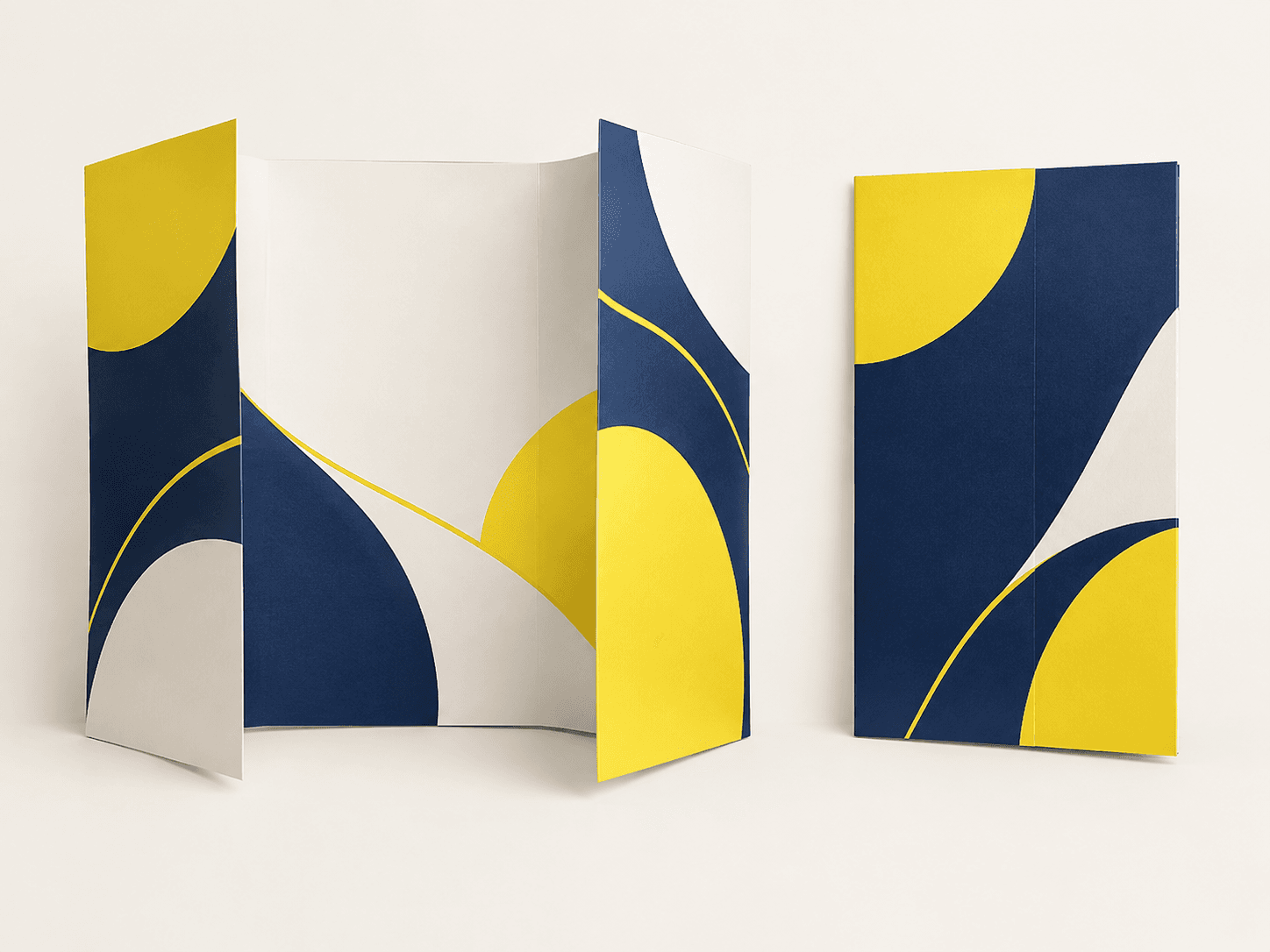
Gate-Fold Brochure Printing
Two outer wings fold inward toward a center area, producing a deliberate reveal.
Illustrative product configuration
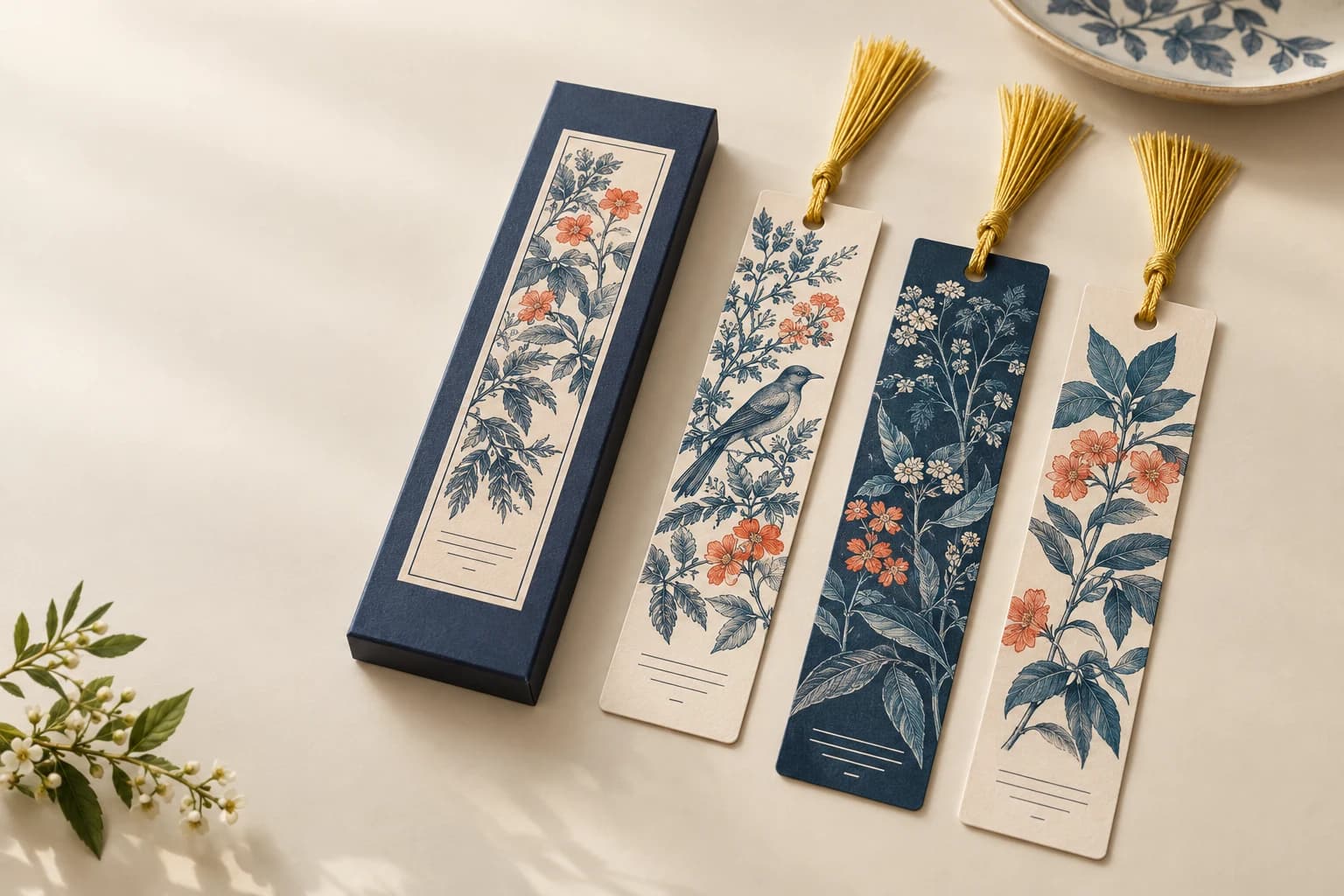
Bookmark Printing
A narrow bookmark needs legible artwork, an appropriate card stock and enough edge clearance for optional holes or tassels.
Illustrative product configuration
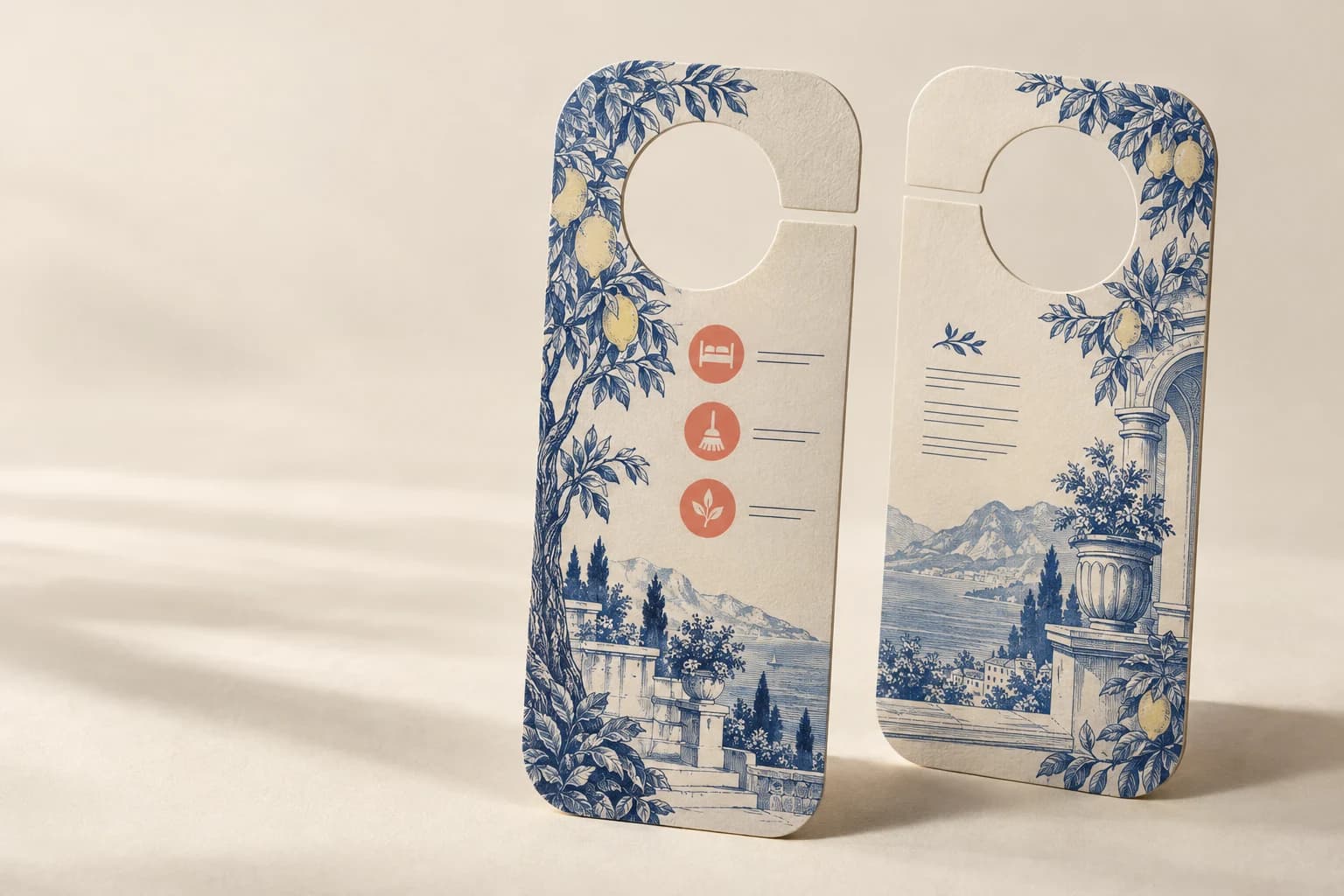
Door Hanger Printing
Door hangers use a shaped opening or slit to fit a door handle while presenting a message.
Illustrative product configuration
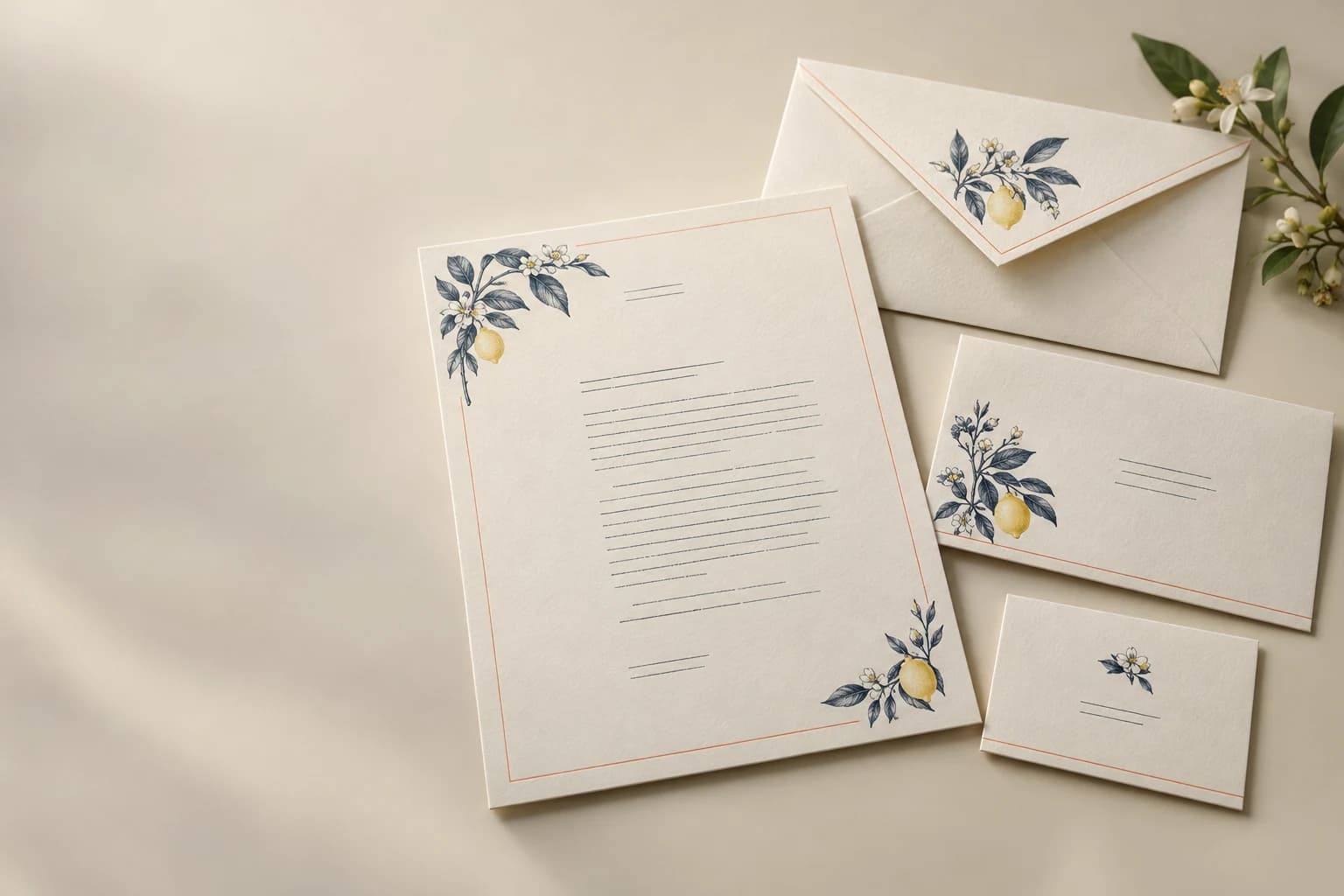
Envelope & Letterhead Printing
A stationery set combines writing sheets with envelopes sized for the folding and mailing workflow.
Illustrative product configuration
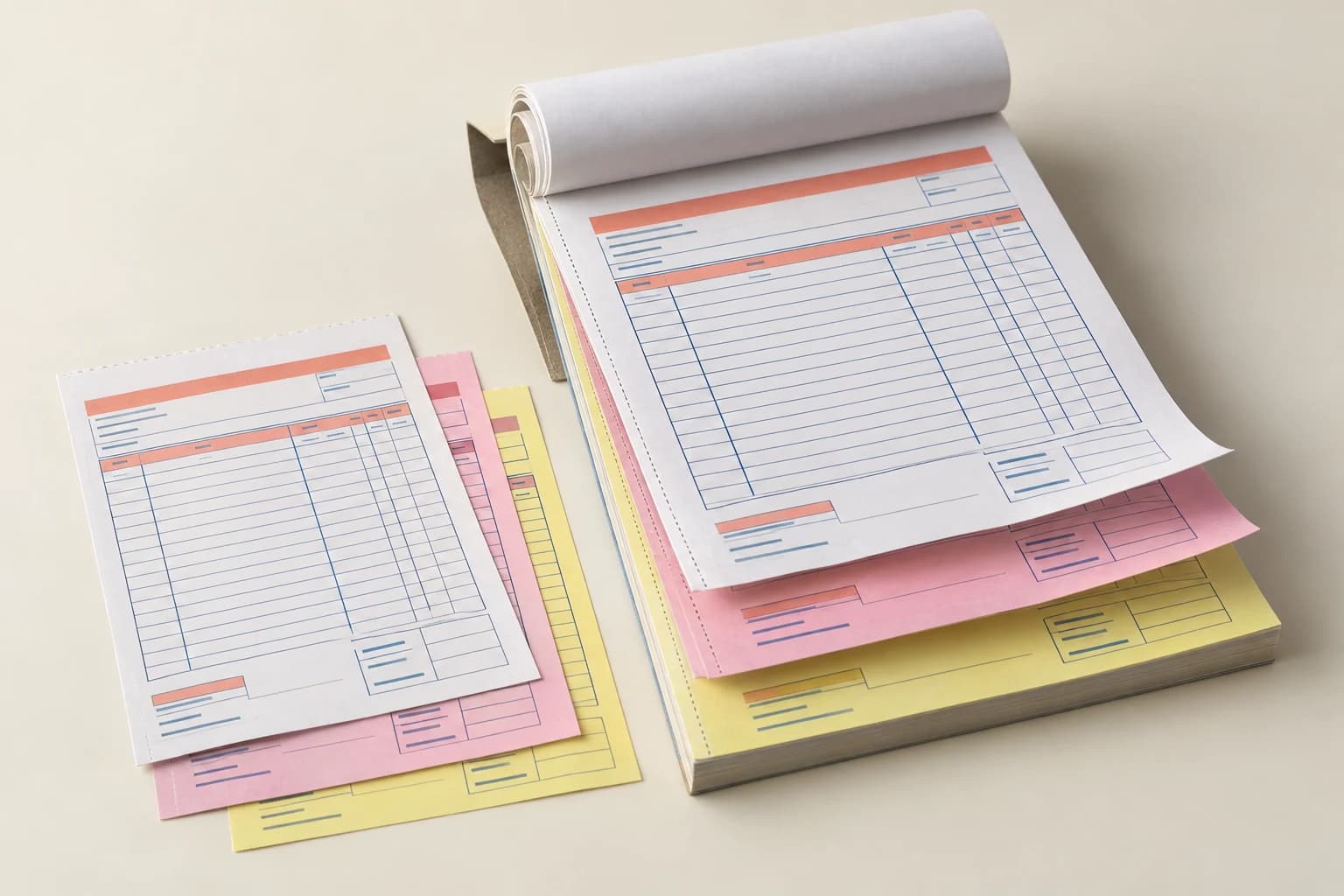
Invoice Book Printing
Carbonless invoice books need the correct copy order, numbering and set count so writing transfers to the intended retained forms.
Illustrative product configuration
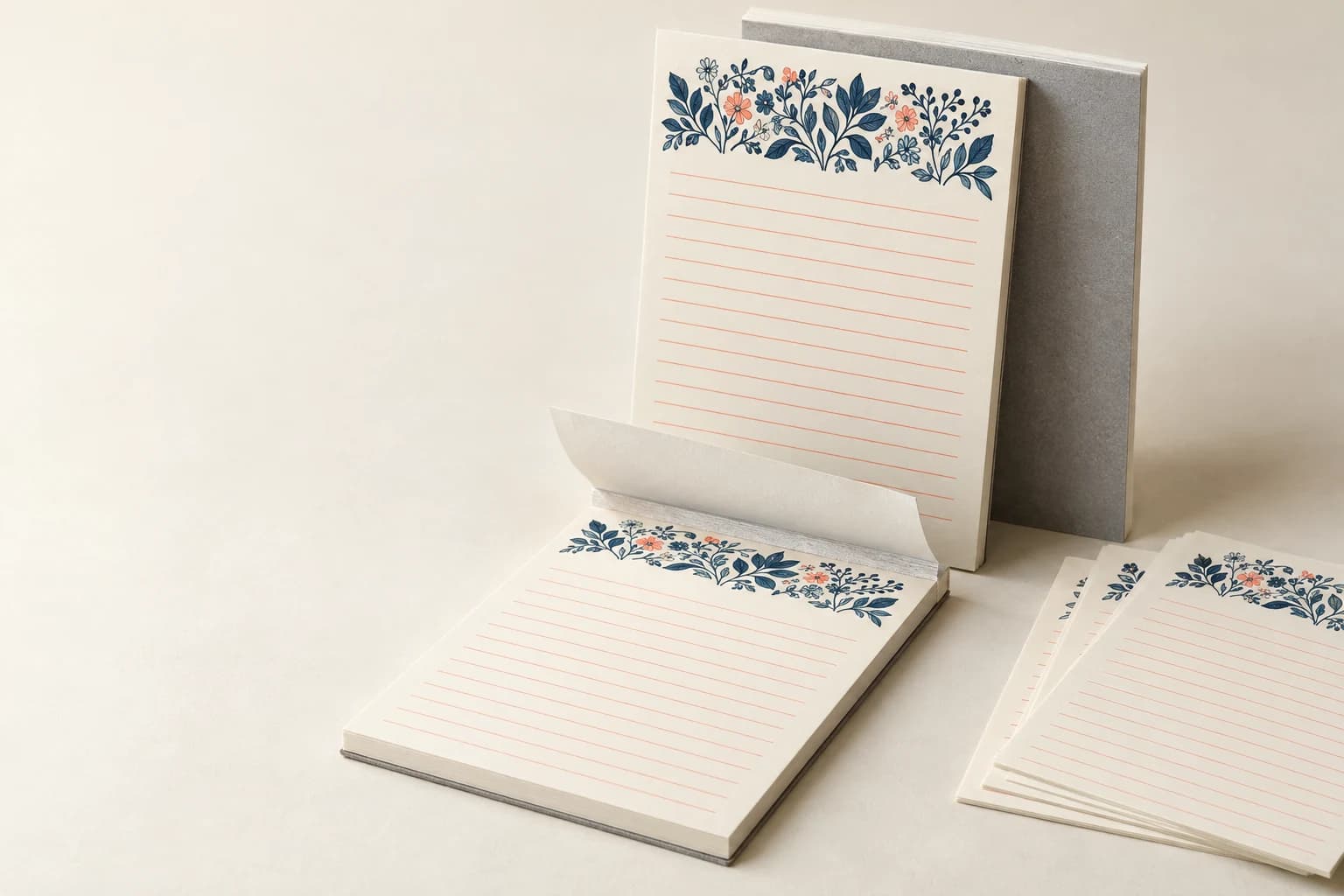
Notepad Printing
Notepads use a glued edge to hold writable leaves until each sheet is removed.
Illustrative product configuration
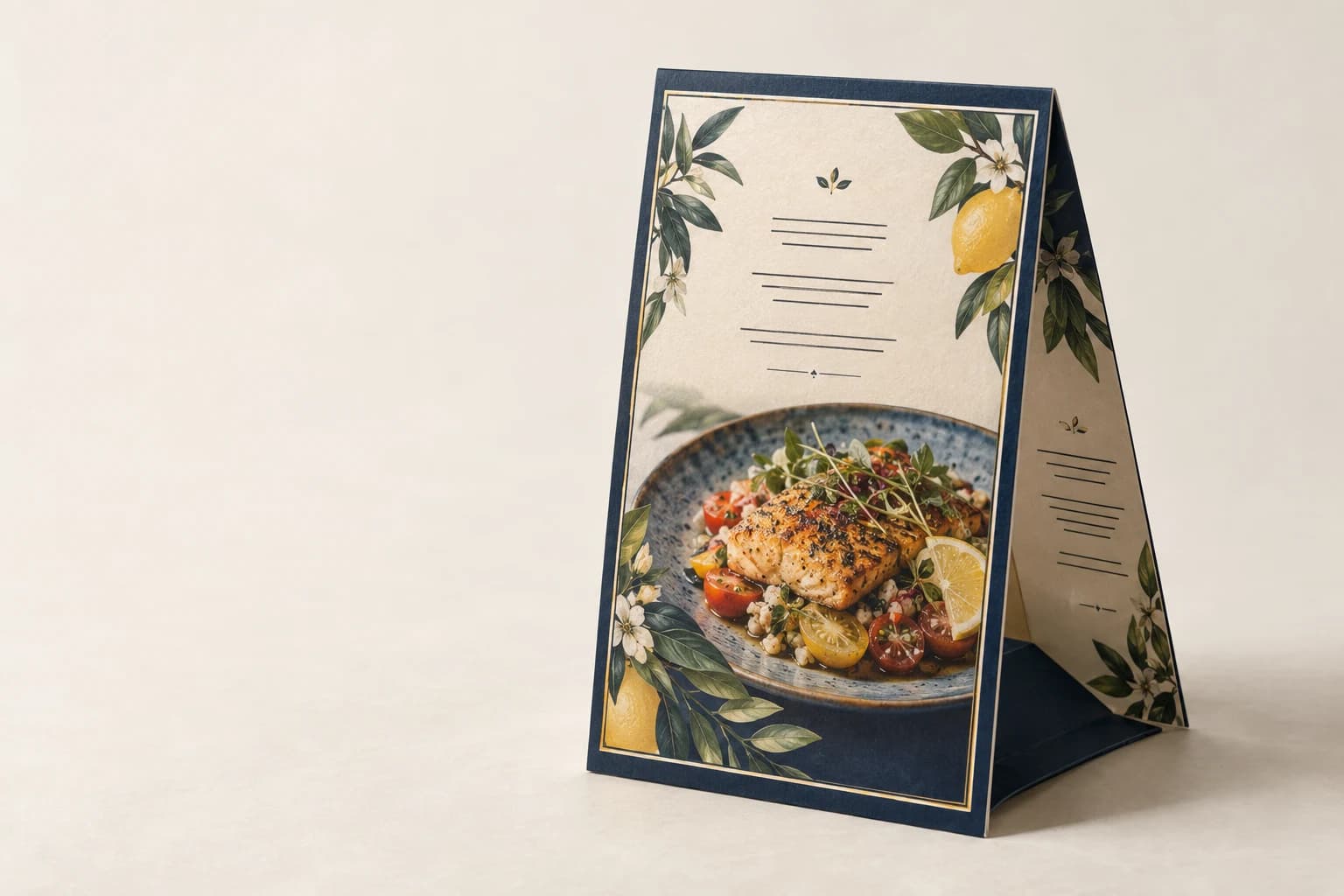
Table Tent Printing
A folded table tent must show its message at the intended viewing angle while its base stays stable on the display surface.
| Format | Suitable For | Selection Check |
|---|---|---|
| Bi-fold | A cover with a broad inside spread | One central fold; confirm flat and closed size. |
| Tri-fold and Z-fold | Compact information in six panels | A tucked roll-fold and alternating Z-fold require different panel plans. |
| Gate-fold | A central image or product reveal | Confirm wing clearances and opening sequence on a folded mockup. |
| Flyers, posters and sell sheets | An immediately visible message | Choose size and stock around handout, reference or display use. |
Applications
Choose by Use, Handling and Distribution
Sales and product launches
Use a controlled fold sequence and a clear panel hierarchy for product benefits, specifications and calls to action.
Retail and hospitality
Select coated or uncoated stock, wipeable finishing and a finished size that fits display racks or service counters.
Direct mail and events
Balance flat size, postal handling, fold memory and pack-out requirements before approving the dieline.
Production capabilities
Match the Panel Plan to the Message
Fold engineering
Confirm flat size, panel sequence, fold direction and safe text zones for bi-fold, tri-fold, Z-fold and gate-fold work.
Sheet and color control
Use C2S art paper or uncoated stock with CMYK or Pantone spot colors matched against the approved proof.
Finishing and handling
Add matte film, soft-touch, spot UV, foil, scoring or perforation where the application requires tactile or functional detail.
From Format Selection to a Quoted Order
Describe the job
Describe the intended use and preferred format, finished dimensions and number of finished pieces per fold, artwork and language. Include versions, destination and required arrival date. If the format is undecided, explain how the finished item will be used.
Choose a format and specification
Compare the formats above and open the matching product page for its material, construction and file requirements. Confirm which options belong in the quotation.
Review price and sample scope
Ask for quantity breaks and confirm sample scope, packing, freight and payment terms. Free sample preparation is completed within 15 days; courier arrangements and transit time are separate.
Approve files and samples
Confirm the chosen configuration, release revision and any sample decisions. Agree the order conditions required to schedule production.
Arrange delivery
Confirm packing by version and the delivery destination. List sample, production and transit dates separately against the required arrival date.
Category planning
Get Help Specifying Your Brochure Project
Describe the intended use and preferred format, finished dimensions and number of finished pieces per fold, artwork and language. Include versions, destination and required arrival date. If the format is undecided, explain how the finished item will be used.