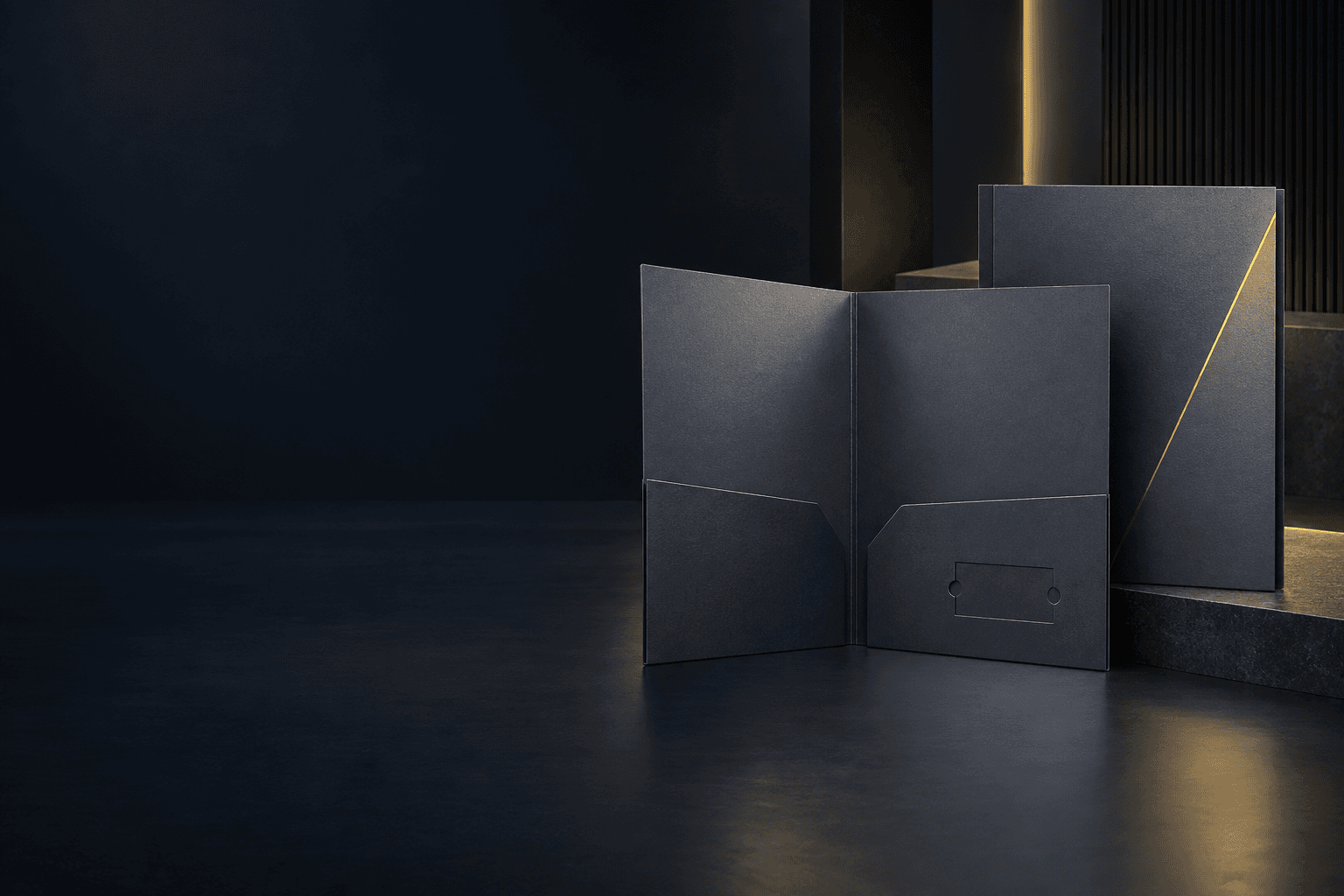
Folder fit & pocket engineering
Custom Presentation Folder Printing
Presentation folders suit sales packs, proposals and corporate handouts that need to hold loose documents. Pocket geometry and capacity should follow the inserted stack.
- Document pockets
- Defined capacity
- Insert retention
Illustrative product configuration
Product overview
Keep loose documents in one presentation.
A presentation folder retains loose documents inside die-cut and glued pockets. Pocket depth governs how securely the sheets sit; a spine allowance accommodates the complete inserted stack. Retention slots must follow the actual business card, not a generic nominal size. Material stiffness, scoring and functional glue zones determine whether the loaded folder closes cleanly.
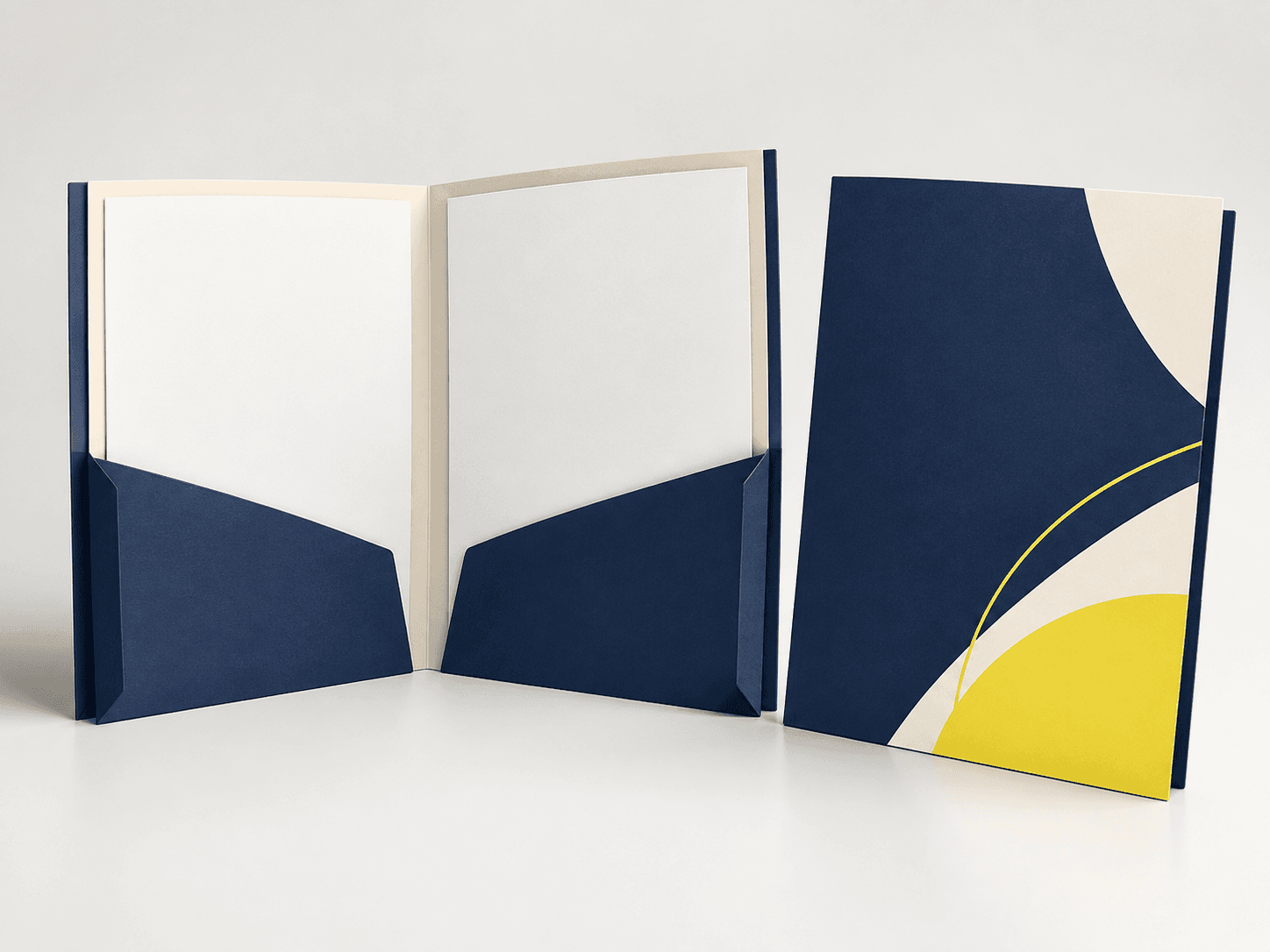
Document pockets
A cut and folded pocket retains sheets without binding them into a publication.
Defined capacity
Pocket depth and a specified spine allowance accommodate the intended document stack.
Insert retention
A card slot or additional pocket gives smaller pieces a place inside the folder.
Specifications & materials
Size the Pockets Around the Documents
Start with closed width × height in mm; pocket depth and spine capacity. Then compare the material and construction choices below.
Use these options to prepare your specification. Material grades, weights, thicknesses and feasible dimensions are confirmed for the quoted construction. A paper weight is not a finished thickness or a strength rating.
| Parameter | Options or Information to Supply | Why It Matters |
|---|---|---|
| Finished dimensions | A4 insert planning example: 220 × 310 mm; A5 insert planning example: 160 × 225 mm | Reference formats or explicitly labeled design examples. Select by the use cases below; custom trim and final construction belong in the quotation. |
| Format and component count | Folders plus inserts or business cards if packing is required | Count finished folders separately from inserted sheets and cards; measure the complete packed stack. |
| Folder stock | Board selected for stiffness and folding | Check the loaded folder rather than choosing by grammage alone. |
| Pockets and capacity | One or more pockets with agreed glue tabs and spine allowance | State the document count and total stack thickness in mm. |
| Slots | Business-card or other die-cut retention feature | Use the actual inserted item dimensions and keep slots clear of essential artwork. |
| Finish and glue areas | Compatible lamination or decoration with functional glue zones | Keep adhesive contact areas suitable for the agreed assembly process. |
Swipe the table to compare selection checks.
Compare materials and construction
Choose around the intended use. These are alternatives to discuss, subject to the confirmed specification.
Coated folder board
- Suitable for
- A printed outer presentation with pockets and slots.
- Check before selection
- Check cracking at scores and bond quality at glue tabs.
Uncoated folder board
- Suitable for
- A matte surface or folder that must accept handwriting.
- Check before selection
- Test pen behavior, pocket stiffness and capacity with the real document stack.
Surface finish options
Display panels and printed faces
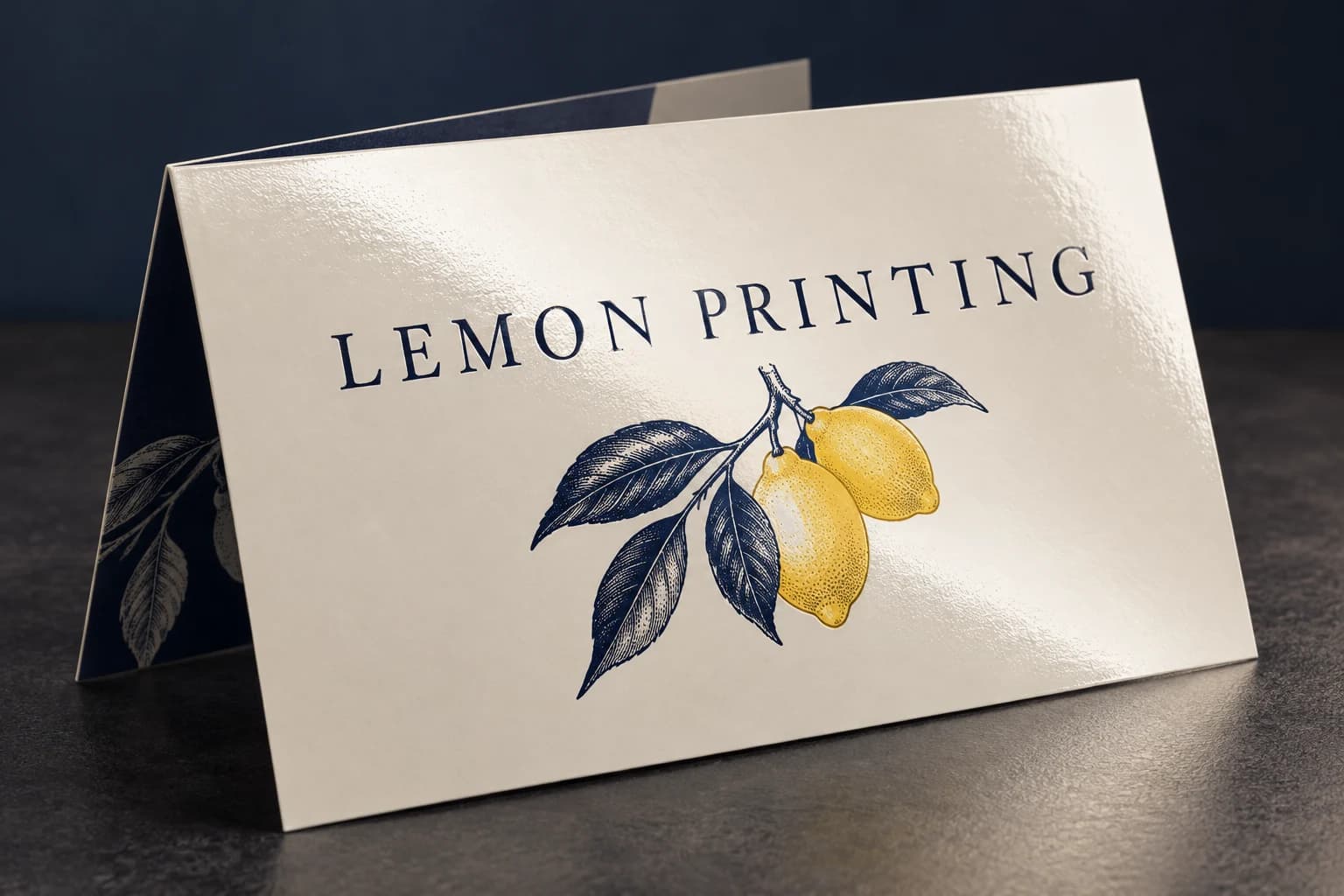
Compare low-glare film and a brighter gloss alternative under the intended lighting. Check creases, trimming and surface cleaning needs. These options do not establish outdoor durability or waterproof performance.
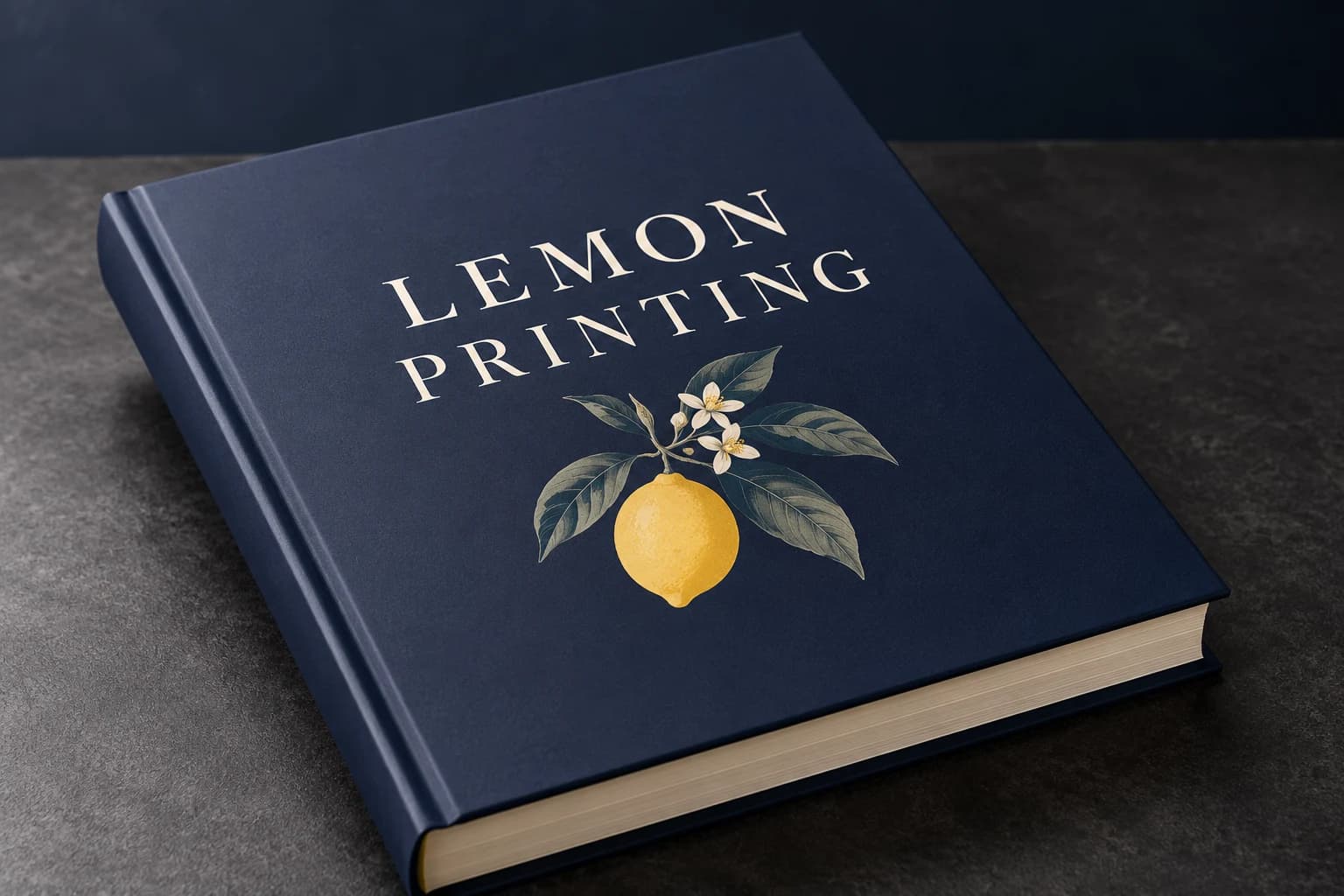 Matte lamination View effect & artwork guidance
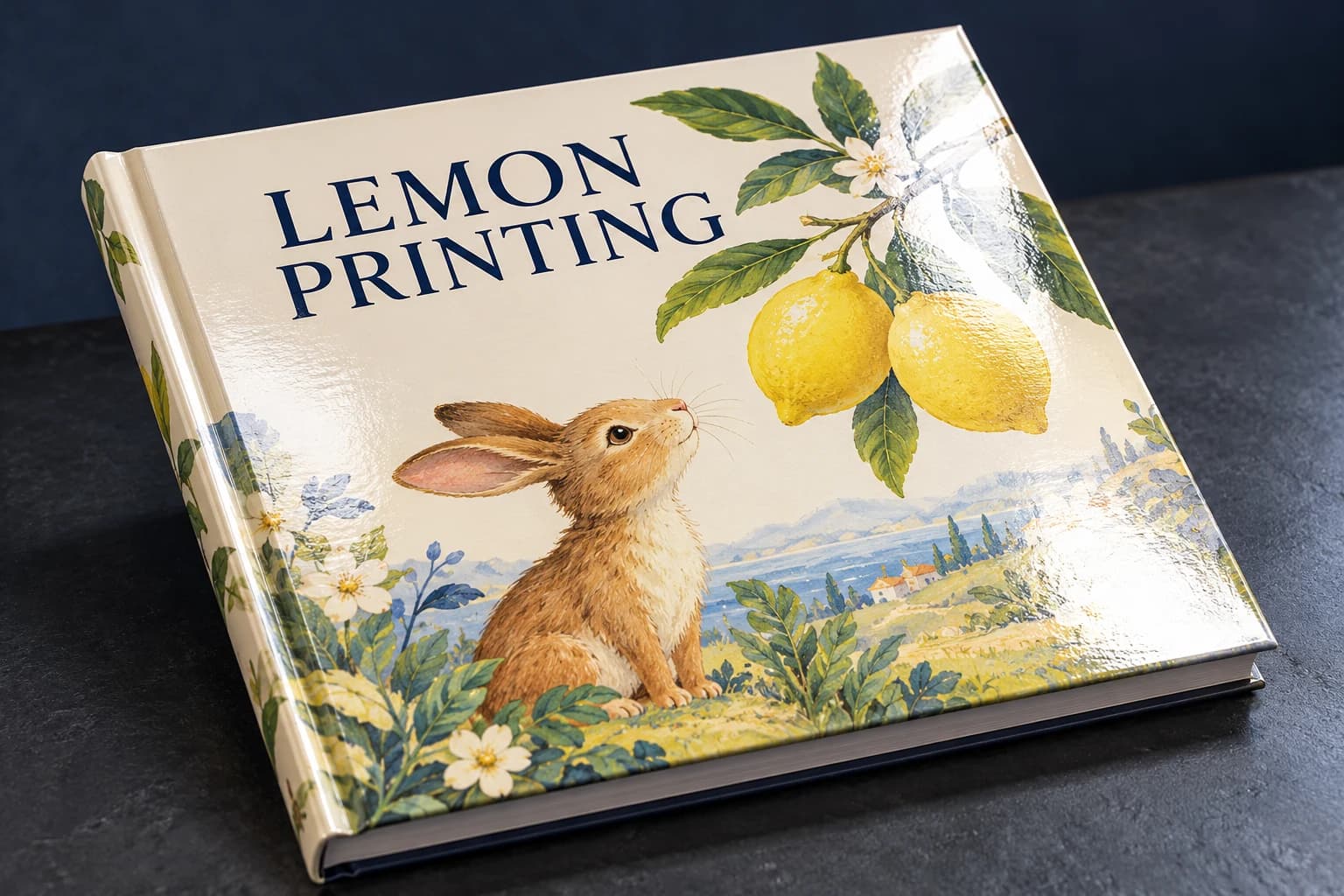 Gloss lamination View effect & artwork guidance
 Varnish & coating View effect & artwork guidance
Illustrative finish samples, not photographs of this product. Final suitability follows the confirmed stock, construction and approved sample.
Compare all surface finishesConstruction & finishing
Keep the Contents Secure Without Overfilling
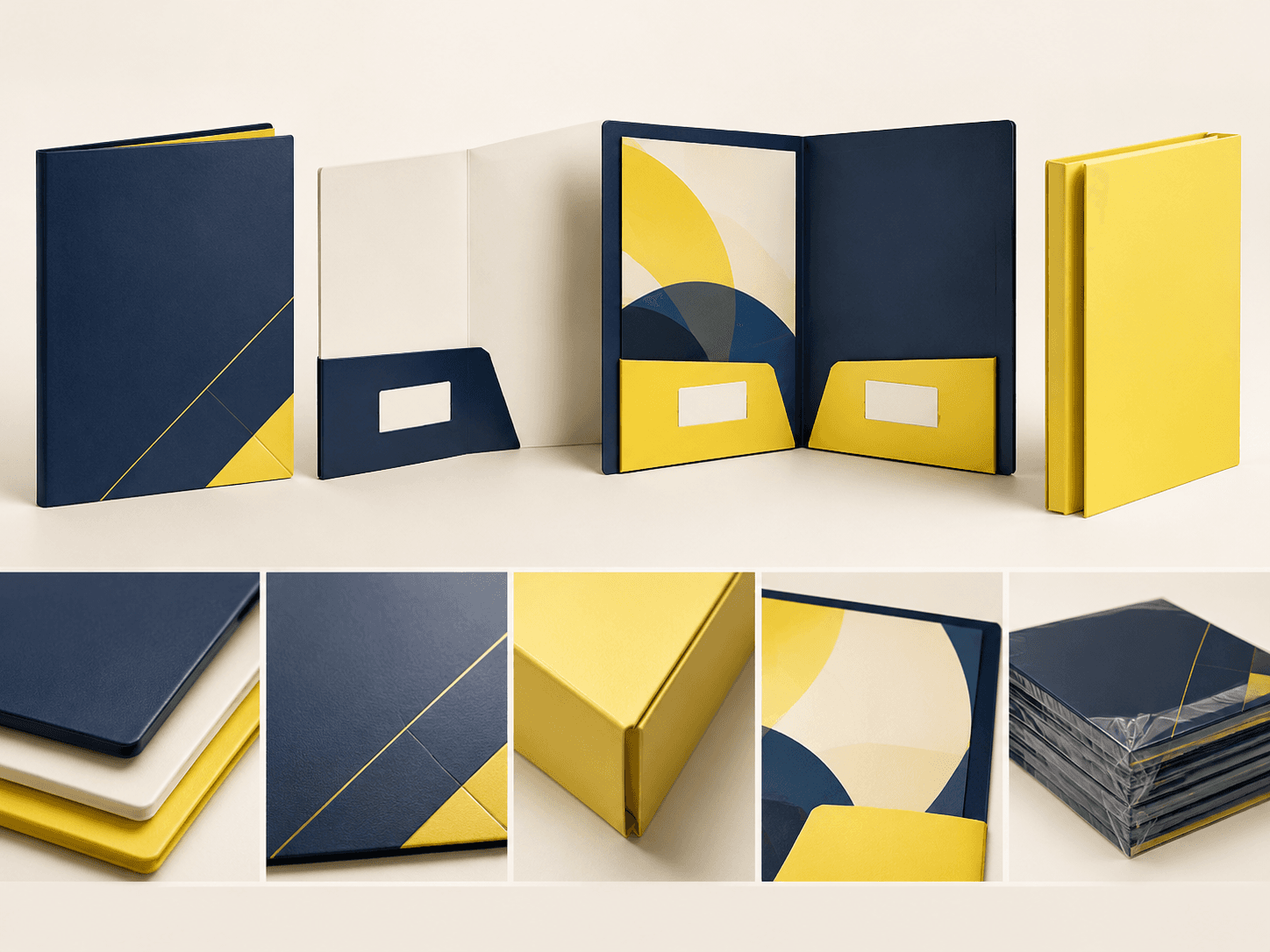
Focus the review on document fit, pocket retention, slot fit and closure at the intended capacity.
01 / SELECTION CHECK
Size capacity from the inserted stack
Provide actual sheet dimensions and count, including brochures or other bulky pieces. Check closed fit and pocket depth on a loaded sample; nominal folder size does not establish the amount it can carry.
02 / SELECTION CHECK
Keep glue and retention areas functional
Use the confirmed cut, crease and pocket drawing. Decorative layers need review around adhesive areas and slots. Trial pocket attachment and card retention on the converted sample rather than approving a flat sheet.
Folder fit & pocket engineering
Size the closed folder around the documents, cards and inserts it must hold
A presentation folder is a storage system, not just a printed cover. Confirm the document size, stack thickness, pocket depth, spine capacity and any card slots with a complete dummy containing the intended inserts.
Compare dimensions and usable space
Design examples are labeled; they are not production limits or approved templates.
A4 insert planning example · 220 × 310 mm
Illustrative 220 × 310 mm closed outline around A4 inserts; measure stack thickness and pocket retention separately.
Read every format’s selection note
- A4 insert planning example: 220 × 310 mm. Illustrative 220 × 310 mm closed outline around A4 inserts; measure stack thickness and pocket retention separately.
- A5 insert planning example: 160 × 225 mm. Illustrative 160 × 225 mm outline around A5 inserts; pocket and card-slot fit require the actual inserted items.
- Front & back cover
- Pocket depth / glue zones
- Document stack & card slot
Select the material by its finished behavior
Specify the actual board construction and finished caliper rather than relying on GSM alone. Solid board, mounted greyboard and corrugated board behave differently at a hinge or cut edge. Evaluate the fully converted part, not only the facing paper.
Production checks that prevent avoidable rework
Measure the complete insert set
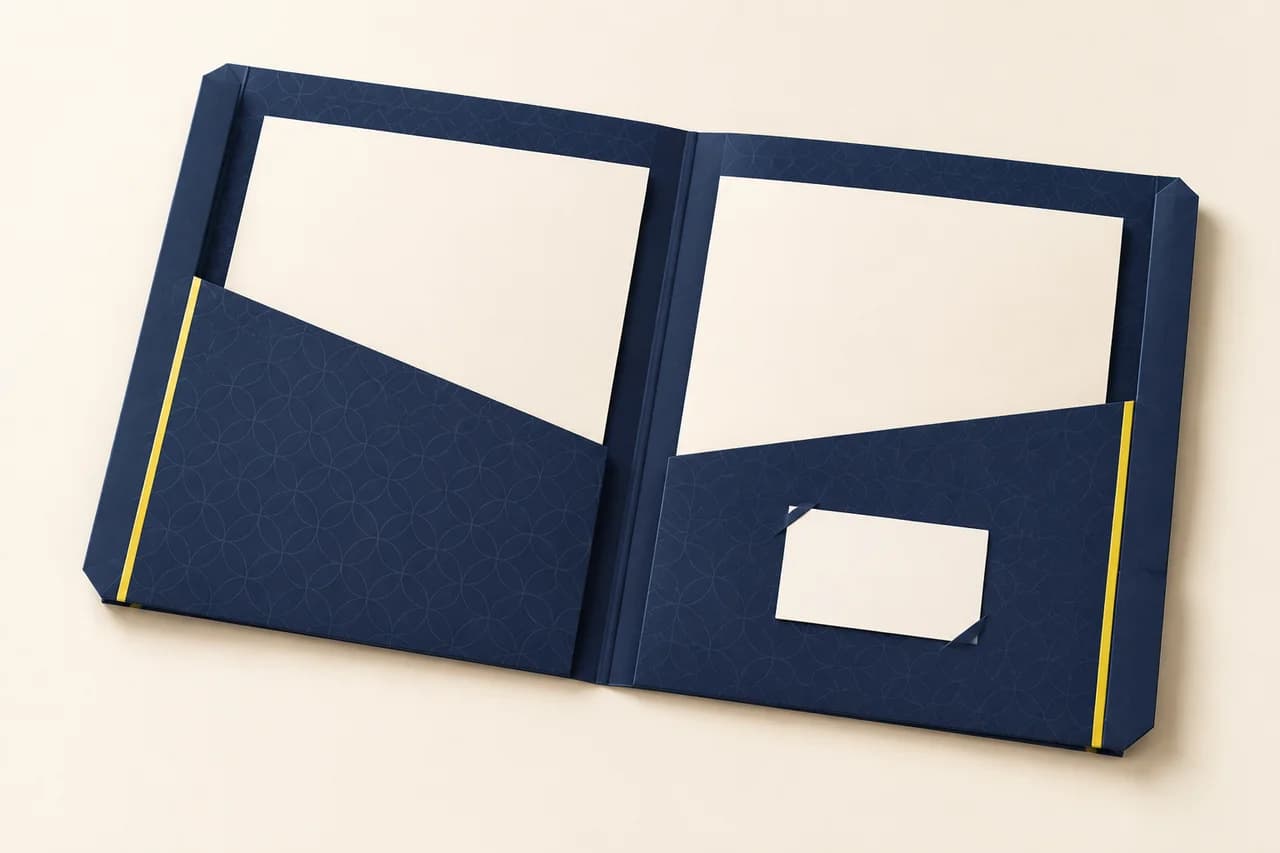
Provide the largest document size, number of sheets, card dimensions and any brochure. Test the full stack so the folder closes without bulging or catching the pocket.
Check pocket and slot geometry
Mark pocket height, corner cuts, glue zones and business-card slot position on the dieline. Ensure slots retain the card without covering important information.
Review capacity with finished stock
Assemble a sample from the chosen board and test document insertion, closure and removal. A thicker paper stack or laminated cover can change the fit.
Use-case selection
Choose a configuration for the job it has to do
Sales meeting folder
Provide a document pocket, card slot and enough capacity for the standard sales pack.
Trade-off: A larger pocket can hide lower-page content or increase folder bulk.
Conference delegate pack
Plan the folder for the final agenda, maps, forms and any badge or loose inserts.
Trade-off: Contents may change after print; allow a controlled insert strategy.
Proposal or onboarding pack
Use a clean cover hierarchy and test the folder with the actual document sequence and paper thickness.
Trade-off: Highly finished surfaces can show scuffs during repeated handling.
Problem → cause → solution
Resolve the failure points before production
The folder bows or the pocket tears
Why it happens: Capacity was chosen from document count without measuring stack thickness.
How to prevent it: Measure the complete insert stack and test a loaded folder. Adjust spine allowance, pocket depth and glue geometry together.
The business card falls out or covers key copy
Why it happens: Retention slots were positioned without the real card size and insertion direction.
How to prevent it: Test the actual card in a cut sample; keep the card’s visible area and the folder’s essential information clear.
Alternative formats
When another construction is a better fit
| Alternative | Structural difference | Selection trade-off |
|---|---|---|
| Perfect-bound booklet | A fixed page sequence attached to a spine. | Keeps pages together; a folder is more convenient when individual documents must be replaced. |
Sampling & production
Choose a Sample That Answers Your Main Concern
A structural sample, a print proof and a finished sample answer different questions. Confirm the sample scope before approval. Free samples are prepared within 15 days; courier arrangements and transit time are separate.
Structure and material sample
Review folder stock and pockets and capacity with the proposed dimensions and component count. Agree whether the sample uses production materials or substitutes. An unprinted construction sample does not approve printed color.
Print and artwork proof
Review representative artwork at finished size on the agreed proof condition. Check fine detail and important colors. A screen proof cannot establish physical feel or the performance of the finished assembly.
Complete finished sample
Assess document fit, pocket retention, slot fit and closure at the intended capacity with the specified components and finishing present. Record the approved revision and any differences to resolve before production.
How to Order Presentation Folder
Send your project brief
Send closed width × height in mm; pocket depth and spine capacity. Specify folders plus inserts or business cards if packing is required. State the number of folders per design and capacity; inserted packs separately stated, delivery destination and required arrival date. Tell us which options are undecided.
Compare the quotation
Ask for pricing by folders per design and capacity; inserted packs separately stated. Compare the same configuration at each quantity. The quotation should identify materials, finishing, sample scope, packing and freight, plus payment and order terms.
Review the right sample
Choose a sample that can demonstrate document fit, pocket retention, slot fit and closure at the intended capacity. Confirm what the free sample includes and any differences from the intended production specification. Preparation is completed within 15 days; courier arrangements and transit time are separate.
Approve the production version
Confirm the specification, file revision and sample decisions in writing. Production scheduling follows the agreed approvals and order release conditions; changes may require a revised quote or schedule.
Confirm packing and delivery
Keep folders flat or assembled as agreed and support pockets against crushing. Separate printed versions and identify whether documents or cards are included in packed sets. Agree the destination and shipping arrangement, with production, dispatch and transit dates listed separately.
Details to Confirm in the Quotation
- Order unit and price breaks
- Specify folders per design and capacity; inserted packs separately stated. Request the feasible minimum and quantity breaks for that exact configuration; a change of material, version or component count can change the price.
- Sample scope and delivery
- State whether you need a material trial, a print proof or a complete finished sample. Free samples are available, with preparation completed within 15 days. Confirm the included materials and processes; courier arrangements and transit time are separate.
- Approval and schedule
- State the required arrival date and whether versions ship together or to separate destinations. The quote must distinguish sample work, production and transit; a requested date is not a confirmed schedule.
- Packing and identification
- Keep folders flat or assembled as agreed and support pockets against crushing. Separate printed versions and identify whether documents or cards are included in packed sets.
Artwork essentials
Prepare Files for the Confirmed Presentation Folder Format
Review artwork guidelines- 01
Place graphics on the approved cut and crease layout, identifying pockets, glue and slots. Include inserted dimensions and count, with separate masks for quoted decoration.
- 02
Use the PDF/X export preset and output condition confirmed with prepress. Embed fonts and identify the approved file revision.
- 03
Check continuous-tone images at about 300 effective pixels per inch (ppi) at their final placed size. Fine linework can require a different resolution or vector artwork.
- 04
Extend trim artwork by 3 mm unless the approved template specifies otherwise. Keep structural, folding and binding clearances separate from trim bleed.
- 05
Identify named spot colors or physical references and the intended substrate. Agree proof acceptance and keep finishing separations distinct. A screen PDF does not approve printed color.
Engineering & purchasing FAQ
Questions Before Ordering Presentation Folder
Why does document count affect the dieline?
A thicker stack can need different pocket depth or spine allowance. Include every intended insert when checking closure and buckling. Outer dimensions alone do not establish the folder's loaded capacity.
Can a special finish cover the pocket glue area?
Its compatibility with attachment must be assessed. Keep glue zones identified on the approved template and review any proposed overlap. A decorative finish should not be assumed interchangeable with a functional bonding surface.
Can a folder hold both a brochure and loose sheets?
Provide the size and thickness of the complete inserted stack. The pocket and spine allowance need to accommodate it together, and the closure should be reviewed while loaded.
Which sample should I request first?
Start with the uncertainty that could change the specification: document fit, pocket retention, slot fit and closure at the intended capacity. If the concern is physical, request the relevant material or functional sample. If it is print appearance, agree a suitable proof. Confirm the sample scope before approval. Free sample preparation is completed within 15 days; courier arrangements and transit time are separate.
How should I state quantities for a quote?
Use folders per design and capacity; inserted packs separately stated. Separate versions and give a delivery destination and required arrival date. This lets the quote distinguish the production quantity, packing and shipping scope.
Your project specification
Plan Your Presentation Folder Order
Send closed width × height in mm; pocket depth and spine capacity. Specify folders plus inserts or business cards if packing is required. State the number of folders per design and capacity; inserted packs separately stated, delivery destination and required arrival date. Tell us which options are undecided.
Related formats & guidance
Card Printing
A postcard, greeting card and collated deck have different handling and assembly requirements.
Brochure Printing
A fold sets the order in which a reader encounters headings, images and supporting detail.
Greeting Card Printing
The closed cover introduces the message while the opening provides a separate interior area.
Quality control
Review sample references, inspection scope and the agreed checks for your order.