
Structured product ranges for sales & sourcing
Custom Catalog Printing
Present product ranges with readable specifications, consistent image treatment and a usable index. Choose the paper and binding around the catalog’s page count, update cycle and sales setting.
- SKU-linked images and specifications
- Indexed sections and readable tables
- Binding selected by range and revision cycle
The product in use
Make every product easy to identify and compare.
A catalog is a reference tool for comparing products, not simply a collection of pictures. Repeatable SKU positions, units and product attributes make items easier to identify. Coated pages support detailed images, while opacity keeps dense reverse-side content from interfering. Saddle stitch suits shorter ranges; a square bound spine helps identify substantial catalogs on a shelf. Language and currency versions need controlled data, not just separate cover artwork.

The product record is the repeatable building block.
- 01Item identity
- Use a stable SKU or model key to connect images, attributes and index entries. Language versions should retain the same item identity.
- 02Specification field
- Units, product variants and table headings need consistent positions. More products per page leave less space for attributes and imagery.
- 03Navigation structure
- Section openers, page numbers and optional tabs help readers retrieve an item. The index must follow the final pagination.
Specifications & materials
Compare the options and what they change.
Numeric dimensions and paper weights are selection references, not guaranteed Lemon production limits or a stocked-material list. The quoted specification identifies the available grade and construction.
| Engineering spec | Reference or option | Selection effect |
|---|---|---|
| Finished dimensions | 8.5 × 11 in (215.9 × 279.4 mm); 6 × 9 in (152.4 × 228.6 mm) | Interior trim references, not manufacturing limits. Reference format for specification tables and broad product ranges. Portable sales catalog; simplify tables to preserve readable type. |
| Format and component count | Complete book: interior, cover and separately identified components | Send trim, interior and cover page counts, quantity per version, binding, paper, revision plan and destination. Include a representative dense product spread. |
| Interior stock | 115 or 130gsm coated references; 100gsm uncoated alternative | Compare image detail, table readability and overall shipping weight. |
| Cover stock | 200, 250 or 300gsm coated references | A heavier separate cover can protect a repeatedly handled catalog. |
| Binding and count | Folded saddle stitch or adhesive-bound block | Saddle stitch totals use multiples of four; bound-spine width follows the final paper. |
| Data and versions | SKU, image ID, units, language, currency and revision | Freeze the product data before prepress; late substitutions can invalidate indexes. |
| Item data | Stable SKU, image ID, units, variant and edition/language ID | Approve longest fields and indexes after final pagination; avoid inconsistent data across versions. |
| Navigation options | Printed index; section dividers; optional die-cut or projecting tabs | Tabs affect the finished footprint and binding; test edge projection and packed protection. |
Image-led catalog
115/130gsm coated references for photography and product comparison.
Proof small technical text alongside dense images, not only the cover.
Annotated reference catalog
100/120gsm uncoated references for written notes and less reflection.
The surface changes color appearance; select it before approving product colors.
Coated pages support product photographs, while table-heavy pages also need comfortable reading under overhead light. Compare reflection, opacity and total book weight using a representative image-and-specification spread.
A decision for this product
Treat the product record as a controlled unit.
SKU → image → specification → index
Keep units, model variants and image IDs together. Language and currency editions should share a stable item key while retaining their own version ID.
Selection illustration · not a production template or test result
Selected direction
Large trim + indexed sections
Broad range · Large trim + indexed sections
More room for tables; greater material and distribution weight.
Sales visit · Compact trim + curated product range
Easier to carry; requires fewer attributes per page.
Frequent updates · Short replaceable editions
Reduces obsolete content; compare print quantity against the update cycle.
See the trim proportions.
These are publishing references, not required sizes. Compare the usable page shape before adapting an existing layout.
Selected: 8.5 × 11 in. Proportions only; not actual size.
Trim dimensions describe the cut page. Artwork bleed, cover overhang, tabs and modules are separate allowances.
Surface finish options
Printed covers and jackets
Choose the finish for the printed cover or jacket, not automatically for the interior. Check color, rub marks, hinges and compatibility with the cover stock. Cloth and synthetic wraps need a separate material trial.
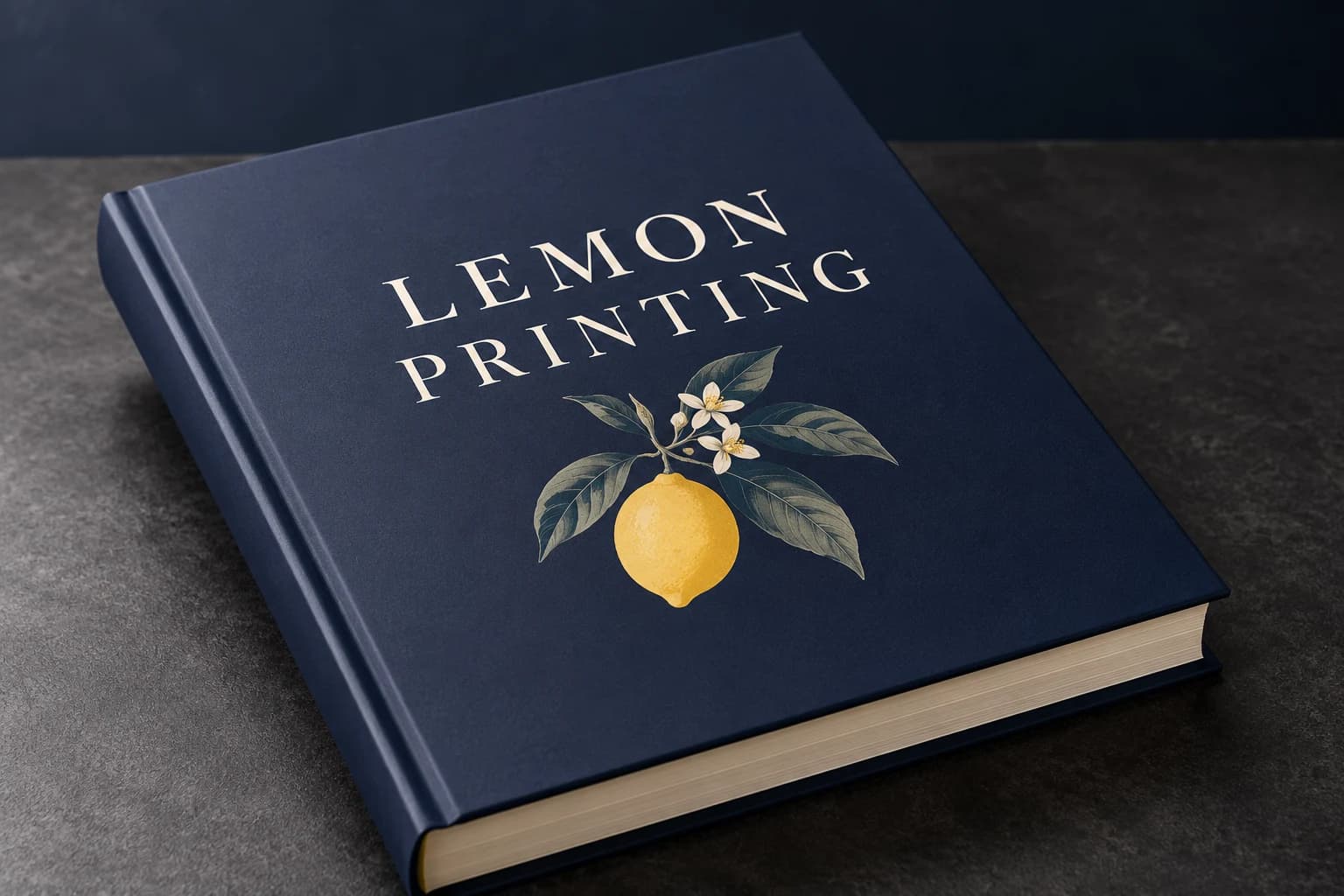 Matte lamination View effect & artwork guidance
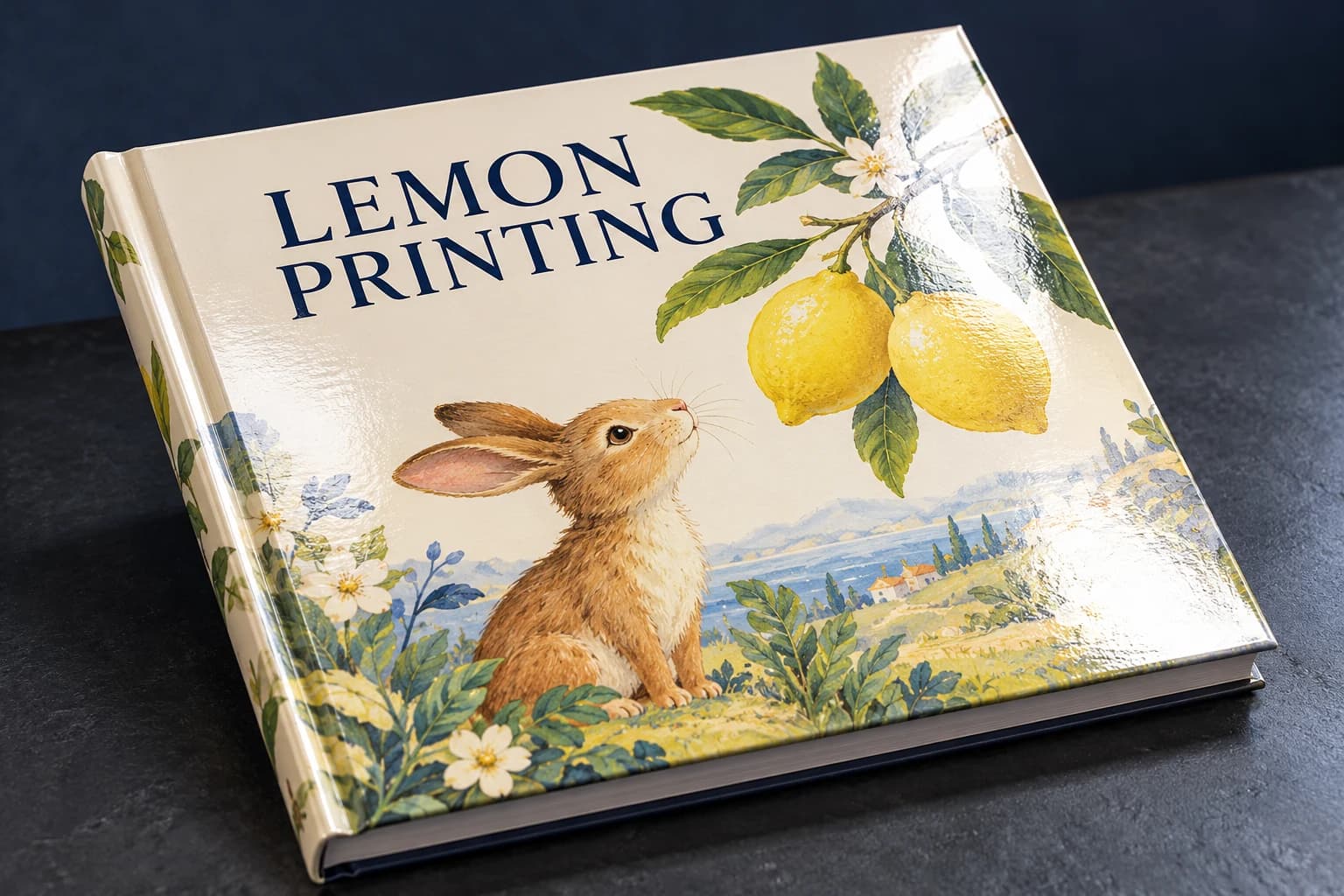 Gloss lamination View effect & artwork guidance
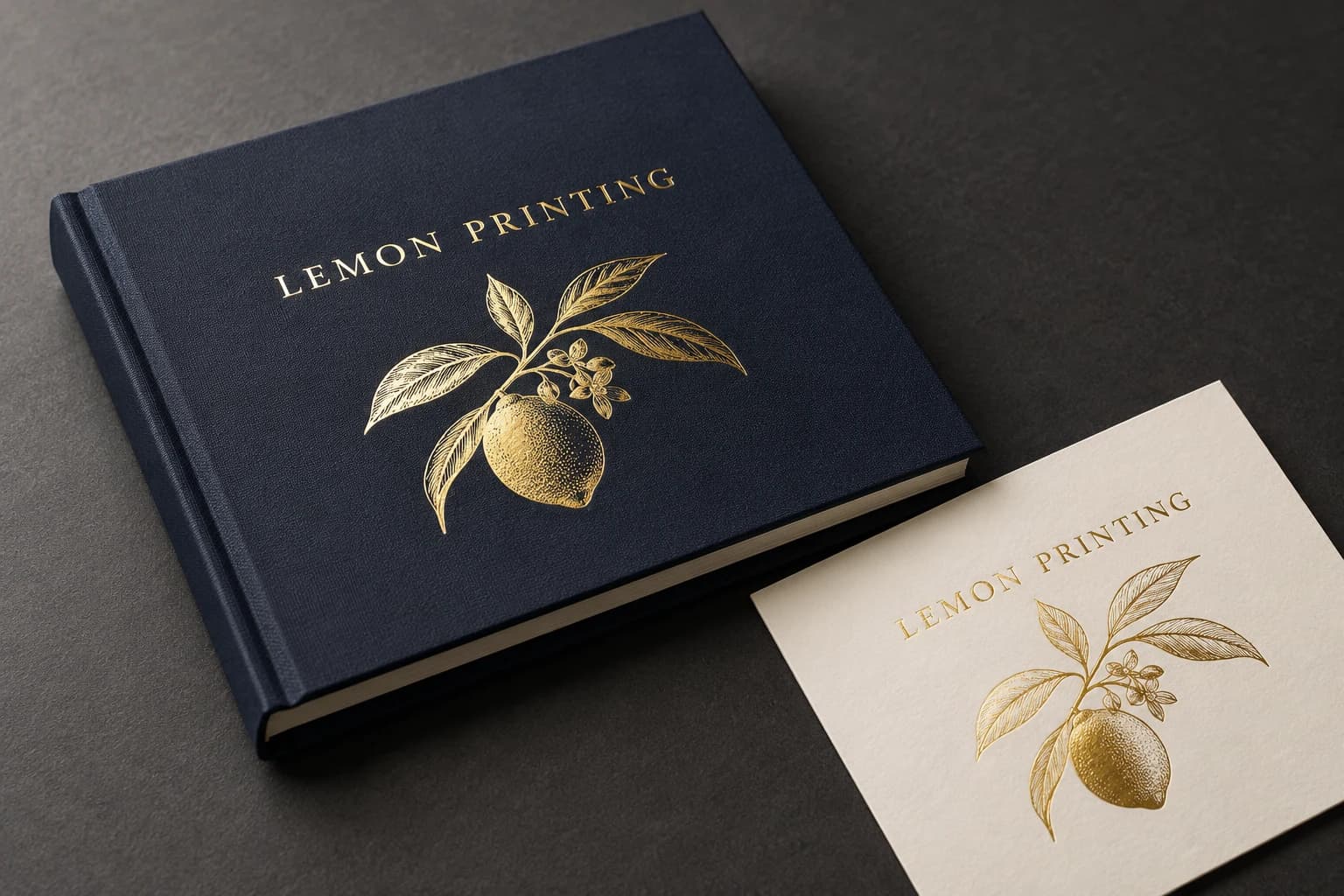 Gold foil stamping View effect & artwork guidance
 Spot UV View effect & artwork guidance
Illustrative finish samples, not photographs of this product. Final suitability follows the confirmed stock, construction and approved sample.
Compare all surface finishesHow it is made
Construction decisions with a practical effect.

Binding for the range
Nested sheets produce a stapled fold; adhesive binding produces a square spine. Compare opening at the intended page count so small tables remain readable near the gutter.
Data-led prepress
Link every image, SKU and specification block to the same revision. Check barcode or QR artwork at final size if included; a correct-looking layout can still contain an obsolete product identifier.
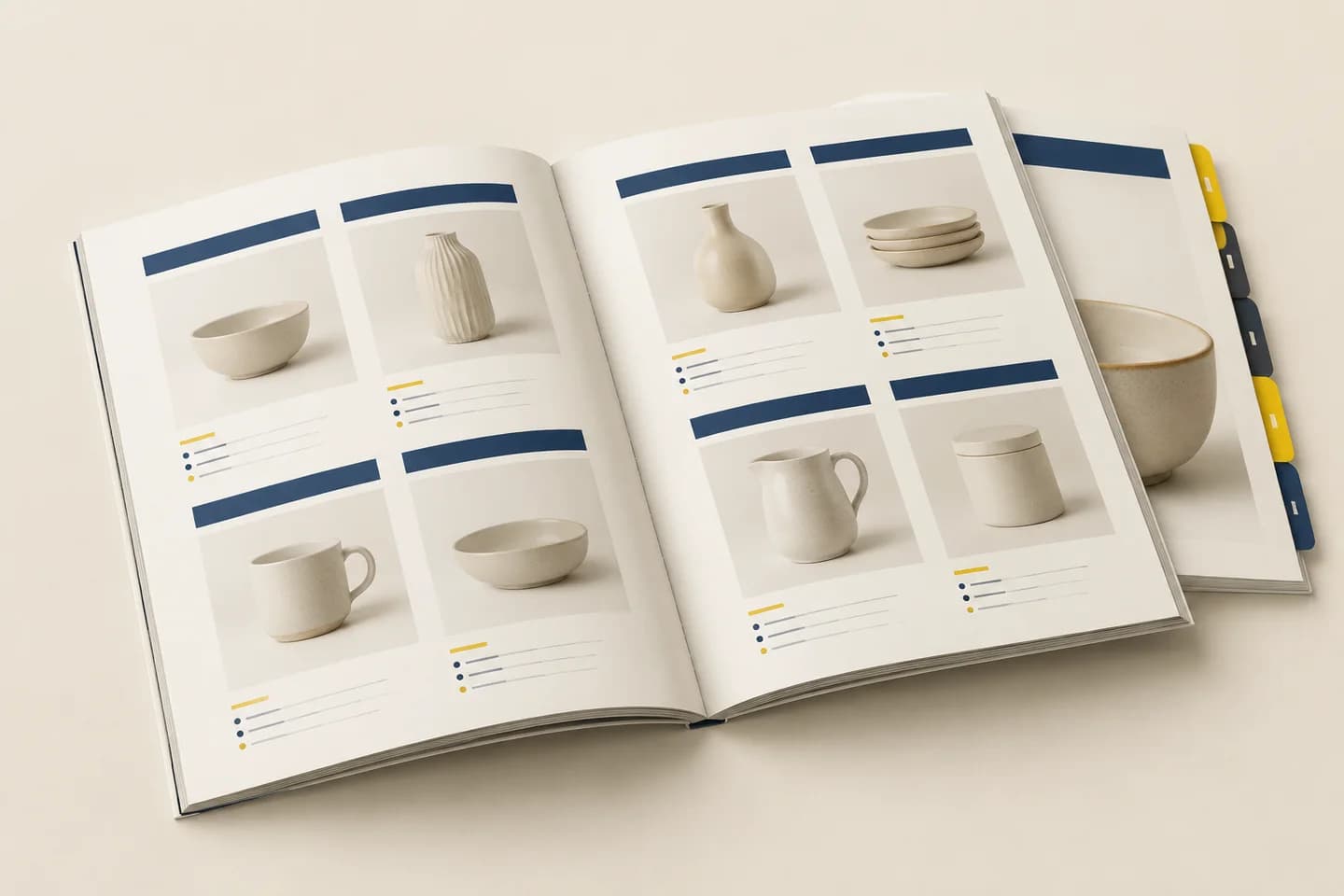
Details that change the finished book
Build a print-ready catalog from controlled product records.
The manufacturing choice follows the content system: item count, required attributes, image size and update cycle determine the useful page area and book thickness.
Set one repeated item layout
Choose the information that every SKU needs, then test the longest specification. Do not let a short sample item hide overflow in later entries.
Manage image and model revisions
Keep an image ID, model version and edition ID with each record. Recheck units, currencies and indexes after language or product-range changes.
Choose binding after pagination
A short stitched range is light to distribute; a larger bound catalog provides a shelf spine. Include tabs or replacement components in the physical plan.
Match the specification to the project
Catalog configurations in use.
Broad technical range
Large portrait · indexed sections · readable attributes
Allow enough room for units and variants. More items per page reduce pagination but can make the specification harder to compare.
Sales-visit selection
Compact trim · curated product assortment
A lighter edition is easier to carry. Reduce the range or secondary attributes before shrinking essential text.
Frequent range updates
Short editions or a replaceable manual format
The update cycle affects obsolete inventory. Compare a fixed bound range with a replaceable reference format when changes are routine.
Solve the risk before production
What can go wrong, and how to check it.
Images and SKUs become mismatched
Cause: Independent spreadsheets or late image substitutions break the item map.
Fix and check: Freeze one data export, proof by SKU and check the index against final pagination.
Small specifications are hard to read
Cause: A reduced format compresses a dense table and the gutter hides columns.
Fix and check: Print the most demanding table at full size and test it in a bound dummy.
The printed index points to the wrong item
Cause: New products or translated text changed pagination after the index was approved.
Fix and check: Generate or verify the index from the final paginated edition and spot-check cross-references against the approved SKU register.
When to choose another format
Catalog or another format?
| Alternative | Structure | Use and trade-off |
|---|---|---|
| Booklet | Short folded publication | Use for a selected range rather than a substantial indexed catalog. |
| Lookbook | Image-led brand story | Prioritizes styling and sequence rather than exhaustive SKU specifications. |
When a catalog travels with a proposal, price list or loose technical sheets, consider presentation folders for document sets. Size the pockets around the complete inserted stack so the catalog and accompanying documents fit together without bending.
Samples & order planning
Test the physical question before the bulk run.
A sample for the actual product
Use a two-sided proof for fine tables and color-critical products, plus a bound dummy for opening and catalog weight.
Content and index proof
Check model/image matches, longest attributes, units, language text and final cross-references.
Bound range sample
Check table readability, page retrieval, dividers and the complete format for desk or sales-visit use.
Order Details for Catalog Printing
Quantity and quotation
Quote complete finished books per title or version. Send trim, interior and cover page counts, quantity per version, binding, paper, revision plan and destination. Include a representative dense product spread.
Sample scope and schedule
Free samples are available, with preparation completed within 15 days. Confirm which materials, finishes and construction the sample represents. Courier arrangements and transit time are separate. The quotation records bulk production timing and the minimum quantity for your configuration.
Packing and delivery
Prevent spine bending and cover scuffing. Allocate cartons and labels by language/currency version so distribution teams can identify each edition.
- 01
Export final pages in order with a locked SKU and image revision.
- 02
Keep specification text and barcode artwork sharp at final size.
- 03
Prepare 300ppi product images and the job bleed; keep tables away from the gutter.
- 04
Supply separate named files for language and currency editions.
Configuration details
A product index needs a stable reference system.
Product codes, captions and index references should stay synchronized as the catalog is paginated. A gatefold or foldout can show a wide range clearly, but adds a separate folding and insertion specification. Keep the most useful ordering information readable without forcing the buyer to open every foldout.
- Data revision
SKU list, captions and index matched to the PDF revision
Check a representative product through its image, specification and ordering reference.
- Foldout plan
Closed and opened dimensions; insertion position
Keep the folded panel clear of the binding and confirm that it opens without hiding adjacent information.
Explore the relevant formats
Product questions
Details worth settling before ordering.
Should each currency edition have its own proof?
Yes. Prices, currency symbols, units and legal notes can change independently; assign each edition a version and approve it separately.
Can a thick catalog use saddle stitch?
Thickness and nested-sheet creep determine suitability, not a universal page limit. Compare the actual paper and a bound dummy with an adhesive alternative.
How can we keep an index accurate?
Freeze pagination after product changes, regenerate page references and check them against the final print PDF.
Should every product use a full-page image?
Only when the buying decision needs that scale. A technical range often benefits from repeated image/specification records, while a few hero products can receive larger pages. Test the densest record before deciding the item count per page.
Can the same PDF serve every language?
The layout system can be shared, but translated field lengths, units and index order may differ. Assign edition IDs and approve each paginated PDF; shared SKU identity should not hide language-specific layout checks.
Your catalog project
Send a brief that can become a specification.
Send trim, interior and cover page counts, quantity per version, binding, paper, revision plan and destination. Include a representative dense product spread.
Related formats & guidance